Best Zoom translation apps in 2026
Updated 2026-10-20
Seven ways to follow a Zoom meeting in another language, each checked against the vendor’s own pages. Short answer: if the host’s Zoom account is on Business Plus or higher, or has the Translated Captions add-on, use Zoom’s own translated captions — each participant picks a language and nothing needs installing. If you are a guest, or the host’s account does not have them, you need an app that listens on your own computer: Tingdong, LiveCaptions, JotMe, Whisperr’s desktop app and Transync AI work that way, with no bot in the participant list. DeepL Voice sends a bot into the call instead. We make Tingdong, so read this page as a map, not a verdict: every fact about the others comes from their own pages as of 20 October 2026, and each tool is listed with the job it does best.
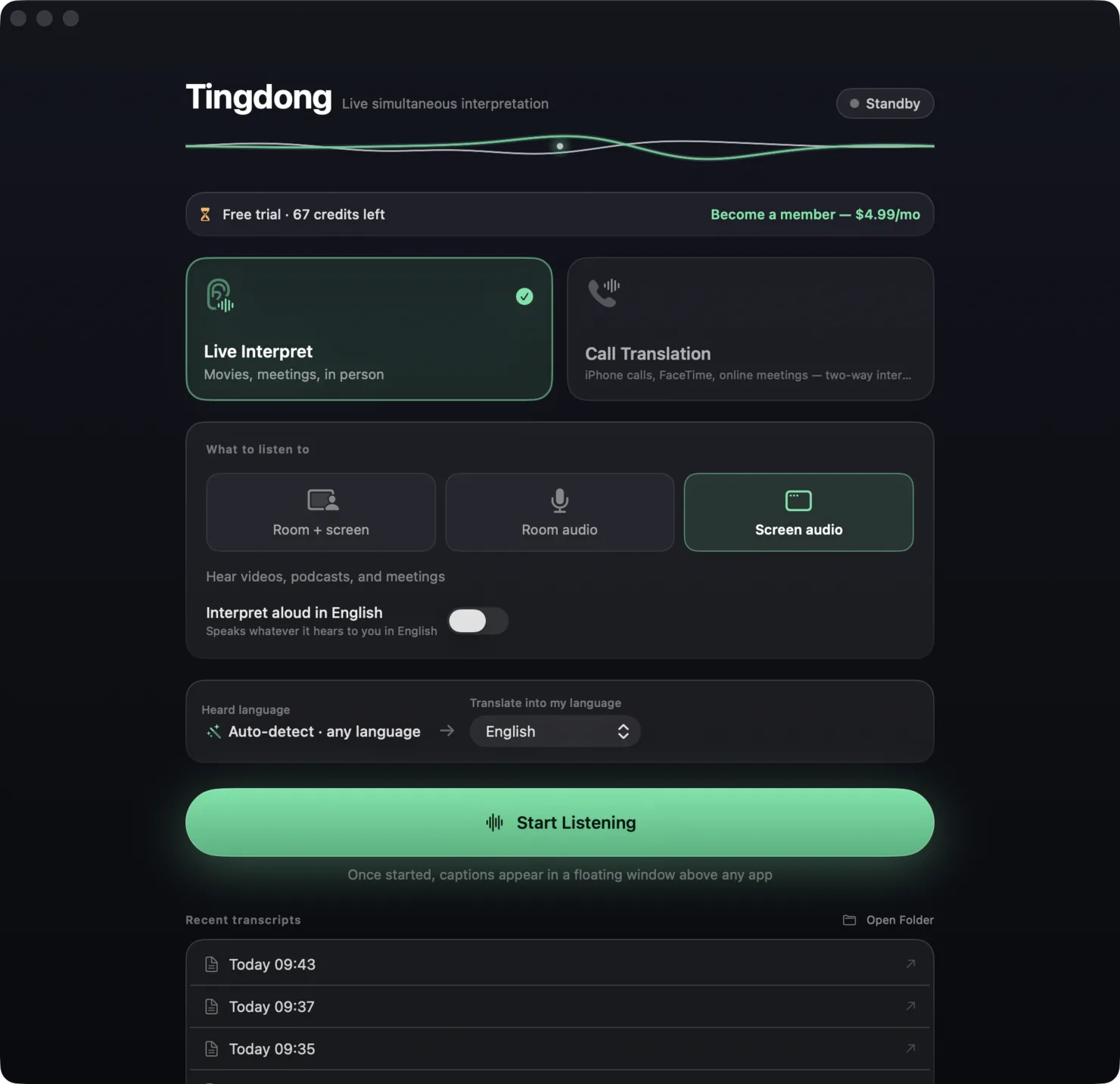
Side by side
| App | Price | Bot in the meeting? | Languages | Speaks the translation | Platforms |
|---|---|---|---|---|---|
| Tingdong | $5.99/month after a free trial of about 100 minutes of subtitles | No — it listens on your own computer | 60+, detected automatically, sentence by sentence | Yes, read aloud in any of the 60+ languages; on a Mac, the Website version can also send your own voice into the call, translated | macOS 15 or later; Windows 11 (subtitles and Read aloud only, nothing sent into calls) |
| Zoom translated captions | Included in Zoom Workplace Business Plus and the Enterprise plans, or the Translated Captions add-on ($5 per user a month in Zoom’s 2024 announcement) | No bot, but the host’s account must have them, and the host sets the caption languages before the meeting | 36 in Zoom’s list (our count) | No — captions are text | Zoom desktop app (Windows, macOS) and web app; Zoom meetings and webinars only |
| LiveCaptions | US$4.99 a month for 10 hours, $9.99 for 28, $19.99 for 60; 20-minute trial | No — it listens to the audio your computer plays | 60 target languages; spoken languages not listed | Not stated — text in a floating overlay | Mac (Apple silicon, macOS 14.2 or later), Windows 10 and 11 |
| JotMe | Free: 20 minutes of live translation a month; Pro $10 a month billed yearly ($20 monthly) for 200 minutes | No — it captures the audio on your computer | 200+; 13 target languages in its fast mode | On its iPhone and Android apps; not stated for the desktop | Mac, Windows, iPhone, Android, Chrome extension |
| Whisperr | Not listed on its site; App Store in-app prices from $7.99 a week to $79.99 a year; 7-day free trial | Its desktop app captures computer audio; an optional Whisperr bot can join instead | “100+” (the same page also says “40+”) | Yes, Speech Mode | Mac (Apple silicon), Windows 10 or later, iPhone, Android, web, Chrome extension |
| DeepL Voice | Voice Starter $11 per user a month billed yearly, 300 minutes (price varies by region); 14-day trial | Yes — a DeepL bot joins the call | “40+” for subtitles; voice-to-voice in 30 | Yes, voice-to-voice | Desktop app for Mac (Apple silicon, macOS 14.2 or later) and Windows 10 or later; works with Teams, Zoom and Meet |
| Transync AI | Free: 40 minutes once; Premium $8.99 a month for 10 hours | No — “no meeting bot” (how it captures audio is not stated) | 60 | Yes, voice playback | Mac, Windows, iOS, Android, web |
Where a row says on-device or offline: Tingdong runs recognition and translation on a dedicated streaming engine, not on your Mac. Why that is the trade we chose — model size, 60+ auto-detected languages, simultaneous pacing — is on one page: why not on-device, and why it costs money.
Which one is for you?
Your own company hosts the meeting on Business Plus or higher: Zoom’s translated captions — every participant gets them and nothing is installed. A whole team wants voice-to-voice and a bot in the call is acceptable: DeepL Voice, on a per-seat plan. You also want meeting notes and a live transcript to share: JotMe; its free tier gives 20 minutes of live translation a month to test with. You know roughly how many hours you need and want a plain overlay: LiveCaptions sells hour bundles from US$4.99 a month. Tingdong is for the guest who cannot change the host’s plan, in meetings that do not stay in one language: it detects the spoken language sentence by sentence, so when the meeting moves from English to Japanese and back, the translation follows without you touching a menu, and it starts before the sentence ends. The same app covers the meeting room or lecture hall through the microphone, and Meet, Teams and videos through computer audio. On a Mac, the Website version can also put your own voice into the Zoom call in the other side’s language. Our weaknesses, stated plainly: it needs an internet connection, and it hears meeting audio on Mac and Windows only.
How each kind of tool gets the Zoom audio
Apps that listen on your own computer need nothing from the host: they hear the meeting the way your speakers do. Tingdong on a Mac listens to the audio your Mac plays; on a Windows PC, choose “Computer audio” in Tingdong for Windows. Nothing appears in the participant list and the host gets no request. A bot-based tool such as DeepL Voice joins as a participant, so the host and the other attendees can see it. Zoom’s own translated captions depend on the host’s account: Zoom’s support article says the host must be on Zoom Workplace Business Plus, Enterprise Essentials, Enterprise Plus or Enterprise Premier, or hold the Translated Captions add-on, and the host chooses the caption languages in the web settings before the session. Step by step on a Mac: live translation for Zoom meetings. Plan by plan: Zoom translated captions vs Tingdong.
Frequently asked questions
Can I translate a Zoom meeting if I am not the host?
Yes, with an app that listens on your own computer: Tingdong, LiveCaptions, JotMe, Whisperr’s desktop app or Transync AI. Zoom’s own translated captions depend on the host’s account, and DeepL Voice adds a bot to the call that the host can see.
Is there a free way to translate a Zoom meeting?
Zoom’s translated captions cost participants nothing when the host’s plan includes them. Otherwise: JotMe’s free tier has 20 minutes of live translation a month, Transync AI gives 40 minutes once, LiveCaptions 20 minutes within 14 days, and Tingdong a free trial of about 100 minutes of subtitles with no sign-up or card.
Which of these speak the translation out loud?
Tingdong (read aloud), Whisperr (Speech Mode), DeepL Voice (voice-to-voice) and Transync AI (voice playback). JotMe speaks translations on its phone apps. Zoom’s translated captions and LiveCaptions show text.
Will the other participants know I am using one?
Not with the apps that listen on your computer: nothing joins the meeting. A bot joins as a participant, and the host sees it. If you share your screen, others see the subtitle window like any other window.
Why should I trust a list written by Tingdong?
Every cell about another tool comes from that vendor’s own page, read on 20 October 2026, and the verdict names the cases where another tool is the better pick. Prices change and some vary by region; if a fact here is out of date, tell us at hi@tingdong.app.
Try it on your next video, meeting or call
Download free for macOS Get it for Windows
Free trial: about 100 minutes of subtitles · No signup or card
Windows 11 (subtitles and Read aloud only, nothing sent into calls)