Best real-time translation apps for Mac in 2026
Updated 2026-10-20
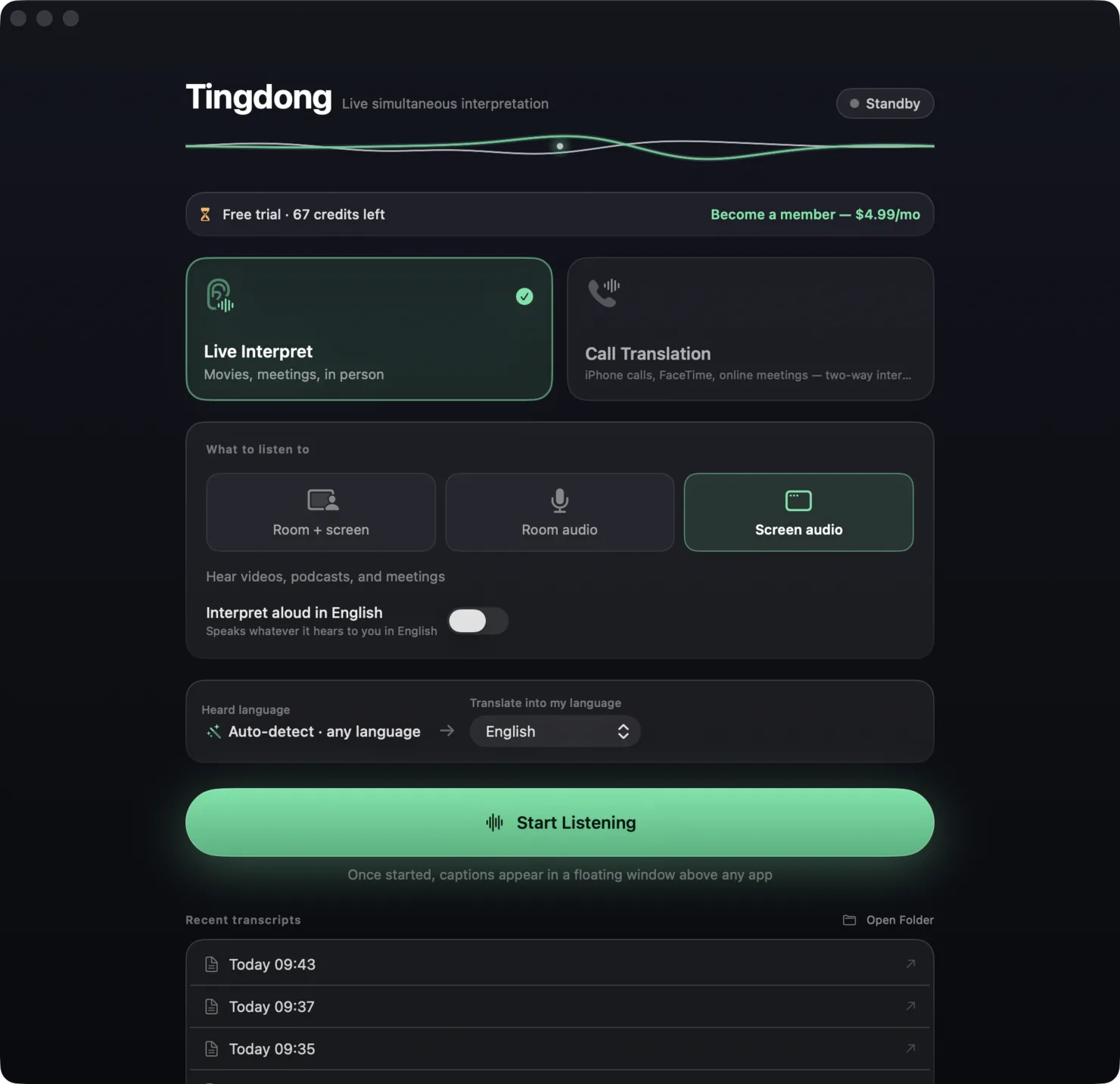
What each one can and cannot do, checked against the vendor’s own documentation. Short answer: for captions in the language being spoken, start with what is free — macOS Live Captions or NotchLive. To read a foreign meeting, lecture or video in your own language, the apps that listen on your Mac are Tingdong, Seagull, StreamVox, LiveCaptions, JotMe, Whisperr and Transcrybe; DeepL Voice sends a bot into Teams, Zoom or Meet instead. If nothing may leave the Mac, Transcrybe and NotchLive run on the device. If the other person must hear you in their language, the field narrows to two: Tingdong (Mac Website version) and Apple’s Live Translation on the iPhone. We make Tingdong, so read this as a map, not a verdict: the facts about the others come from their own sites (LiveCaptions, JotMe, Whisperr and DeepL Voice read on 20 October 2026, the rest in August 2026), and each tool is listed with the job it is best at.
Side by side
| App | Price | Languages in | Speaks the translation | Your voice translated into calls | Where it runs |
|---|---|---|---|---|---|
| Tingdong | $5.99/mo, $59.99/yr, or one-time 5000 credits $29.99 valid 180 days; free trial: about 100 minutes of subtitles | 60+, auto-detected | Yes | Yes, on the Mac — Tingdong Microphone (Website version), plus iPhone → Mac phone-call handoff | Cloud real-time, audio never stored; macOS 15+, Windows 11 (subtitles and Read aloud only, nothing sent into calls) |
| Seagull | $6.99/mo for 48 h, $69.99/yr for 600 h; 1 free hour | 60+ | “Coming soon” | No (Conversation Mode shares one mic in a room) | Not stated; Mac, Windows, Linux |
| StreamVox | $8.99/mo for 40 h, up to $24.99/mo unlimited; 15 free min/day | 50+ | Yes, beta, 21 languages | Not described | Cloud, audio never stored; Mac, Windows, iPhone |
| LiveCaptions | US$4.99/mo for 10 h, $9.99 for 28 h, $19.99 for 60 h; 20-min trial | Not listed (60 target languages) | Not stated | Not described | Cloud, audio not stored; Mac (Apple silicon, macOS 14.2+), Windows |
| JotMe | Free: 20 min/mo of live translation; Pro $10/mo billed yearly ($20 monthly) for 200 min | 200+ (13 targets in fast mode) | On its phone apps; not stated for the Mac | Not described | Not stated; Mac, Windows, iPhone, Android, Chrome extension |
| Whisperr | Not listed on its site; App Store in-app prices from $7.99/week to $79.99/yr; 7-day trial | “100+” (the same page also says “40+”) | Yes, Speech Mode | Not described | Cloud, US servers; Mac (Apple silicon), Windows, iPhone, Android, web |
| DeepL Voice | Voice Starter $11/user/mo billed yearly, 300 min (price varies by region); 14-day trial | “40+” for subtitles | Yes, voice-to-voice in 30 languages | No — a DeepL bot joins the call; the desktop app “does not capture your microphone” | Cloud; Mac (Apple silicon, macOS 14.2+), Windows; Teams, Zoom, Meet |
| NotchLive | Captions free; translation in Pro | 90+ captioned, 20 translated | No | No | On-device Whisper; Mac |
| Transcrybe | $29.99 lifetime; 60-min trial | Not stated | No | No | On-device; Mac |
| macOS Live Captions | Free, built in | 8 languages (Apple’s list, 2026-10-09); no translation | No | No | On-device; Mac with Apple silicon |
| Apple Live Translation (iOS 26) | Free, built in | ≈9 call languages | Yes, turn-taking | Yes, 1:1 calls only | On-device; iPhone 15 Pro or later |
Where a row says on-device or offline: Tingdong runs recognition and translation on a dedicated streaming engine, not on your Mac. Why that is the trade we chose — model size, 60+ auto-detected languages, simultaneous pacing — is on one page: why not on-device, and why it costs money.
Which one is for you?
Same-language captions (accessibility, noisy rooms, a transcript): NotchLive’s free tier or macOS Live Captions — both on-device, both free. Reading a foreign video or meeting: Seagull if you want Linux too or you watch for many hours a month; LiveCaptions if you want hour bundles from US$4.99 a month in a plain overlay; JotMe if you also want meeting notes and a shareable transcript, with 20 free minutes of live translation a month; DeepL Voice if your company wants voice-to-voice in Teams, Zoom or Meet and a bot in the call is acceptable; Tingdong if you want the language detected for you, sentence by sentence, so a meeting that switches language keeps translating, on a Mac or a Windows PC; Transcrybe if nothing may leave the machine — it is the only on-device option here, and its licence is permanent (Tingdong sells one-time packs too, but a pack is 180 days of credits, not a lifetime licence). Being understood back — a phone call, a group FaceTime, a negotiation: only Tingdong (Mac Website version) and Apple’s iOS 26 Live Translation put your translated voice into the call. Apple’s is free if you have an iPhone 15 Pro or newer, a 1:1 call and one of its ten languages; Tingdong covers any iPhone, group calls, meetings and 60+ languages for $5.99 a month.
Frequently asked questions
Which Mac translation app is free?
NotchLive (captions free, translation in Pro), macOS Live Captions (8 languages, no translation) and Apple Live Translation on iOS 26 (calls and Messages on iPhone 15 Pro or newer). JotMe’s free tier has 20 minutes of live translation a month; Seagull, StreamVox and Tingdong each have a free allowance; Transcrybe has a 60-minute trial, LiveCaptions 20 minutes, Whisperr 7 days and DeepL Voice 14 days.
Which apps translate phone calls on a Mac?
Tingdong (iPhone → Mac Bluetooth handoff, two-way, Mac Website version) and StreamVox (iPhone calls via Continuity, captions on your side). Apple’s Live Translation handles 1:1 calls on the iPhone itself.
Which apps work offline?
NotchLive captions, Transcrybe, macOS Live Captions and Apple Live Translation are on-device. Tingdong, StreamVox, LiveCaptions, Whisperr and DeepL Voice use the cloud and need a connection; Seagull’s and JotMe’s sites do not say.
Do any of these add a bot to my Zoom meeting?
DeepL Voice does: a DeepL bot joins the call. Whisperr offers an optional bot; its desktop app also works without one. The others caption the audio on your own computer, and nobody else in the meeting sees anything. More on Zoom: best Zoom translation apps.
Why should I trust a comparison written by Tingdong?
You shouldn’t, blindly — that is why every row is sourced from the vendor’s own site, why the free and on-device options are recommended where they fit, and why each head-to-head page lists the cases where the other app is the better pick.
Try it on your next video, meeting or call
Free trial: about 100 minutes of subtitles · No signup or card
This page is about the Mac. Windows PC? Tingdong for Windows