Teams live translated captions vs Tingdong
Updated 2026-10-16
What each one can and cannot do, checked against the vendor’s own documentation. Accurate, fast, simultaneous — the translation starts before the sentence ends. Short answer: if your organisation has Teams Premium or Microsoft Copilot licences and the meetings you cannot follow are Teams meetings, ask IT to switch translated captions on — they are part of that licence. Tingdong is the answer when the licence is not coming, when the meeting is on another platform, or when the thing you need translated is a video, a lecture or, on a Mac, a phone call.
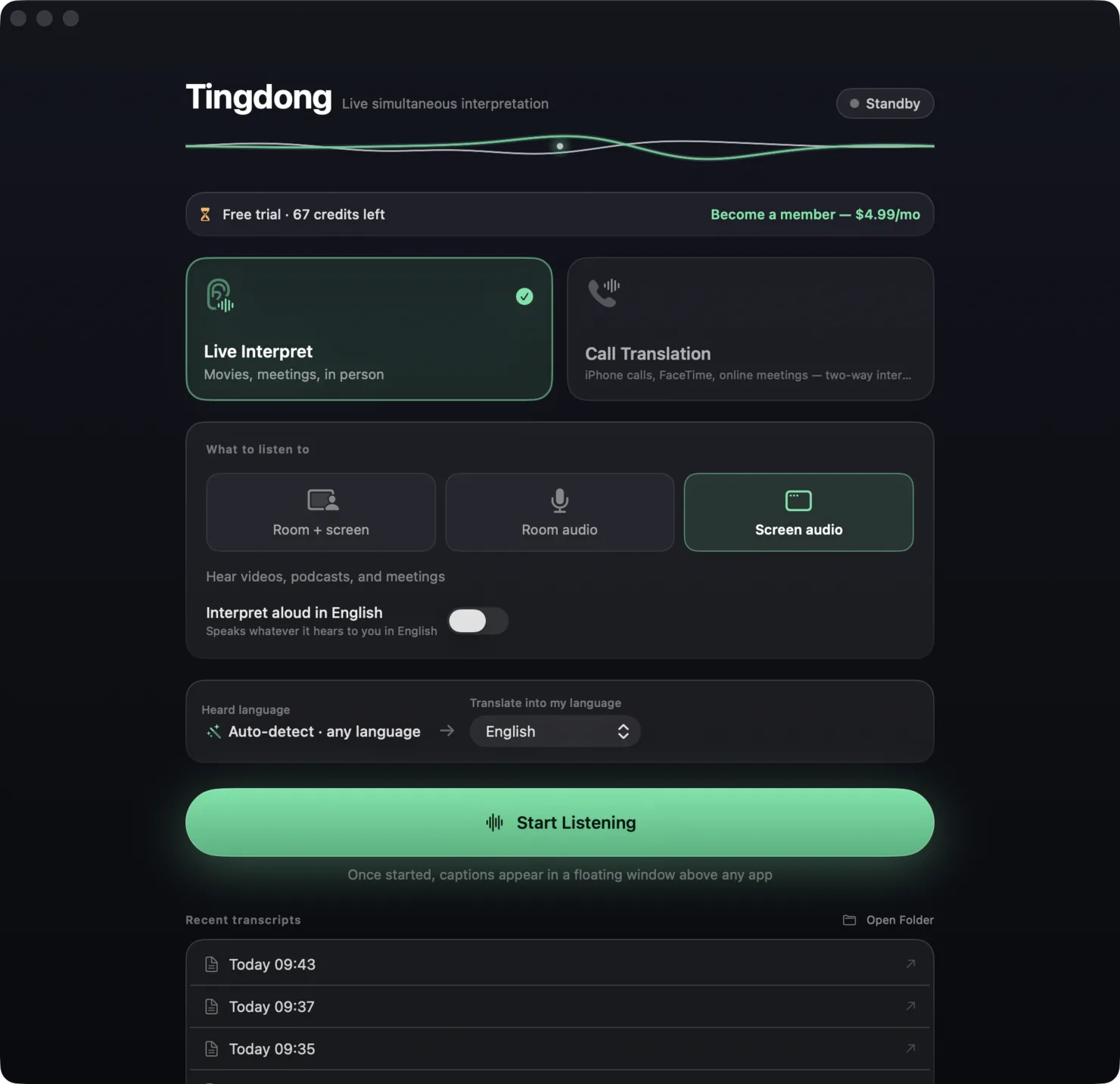
| Teams live translated captions | Tingdong | |
|---|---|---|
| Where it works | Microsoft Teams meetings and events only | Any audio your Mac plays: Teams, Zoom, Meet, browser, player, phone call |
| Licence needed | Teams Premium or Microsoft Copilot; the organiser’s licence covers everyone in that meeting | None — install and press Start; $5.99/month after the free trial |
| Who has to enable it | Your IT admin assigns the licence; you turn it on in Language settings | Nobody — install it on your own Mac and it works |
| Languages translated into | 31 target languages | 60+, any pair, source language auto-detected |
| Spoken language of the meeting | Set by the organiser; Teams prompts when it detects a mismatch | Detected on its own, sentence by sentence, mid-conversation switches included |
| Translation read aloud | No — captions are text | Yes, in any of the 60+ languages |
| Your voice translated into the call | No | Yes, through the Tingdong Microphone (Mac Website version only) |
| Platforms | Anywhere Teams runs: Windows, Mac, mobile, web | macOS 15 or later; Windows 11 (subtitles and Read aloud only, nothing sent into calls) |
| Where processing runs | Microsoft’s cloud, inside your tenancy | Our cloud — real-time recognition, audio never stored. No offline mode |
Where a row says on-device or offline: Tingdong runs recognition and translation on a dedicated streaming engine, not on your Mac. Why that is the trade we chose — model size, 60+ auto-detected languages, simultaneous pacing — is on one page: why not on-device, and why it costs money.
Which should you pick?
Pick Teams live translated captions if the licence is already there: it is inside the app your company lives in, the organiser’s licence covers the whole meeting, and nothing extra gets installed on your machine. Pick Tingdong if the licence request will take a quarter, if half your meetings are on Zoom or Meet, if you want the translation spoken, or if you also watch, listen and make phone calls in languages you do not speak. What we are worse at: Teams runs on phones and the web too, and it works with no separate subscription once the licence is in place. For meeting audio we are Mac and Windows only (the Windows version does no phone calls and sends nothing into the call), recognition runs in the cloud, and you pay us separately.
Teams meetings on a Windows PC
On a Windows PC, choose “Computer audio” in Tingdong for Windows and the Teams meeting you are listening to appears in your language as live subtitles, whatever licence the organiser has. It gives you subtitles and sends nothing into the call. More on “Computer audio”: translating the audio playing on your PC.
Frequently asked questions
Why can’t I turn on translated captions in Teams?
Live translated captions are part of Teams Premium and Microsoft Copilot, per Microsoft’s support page as of 2026-09-15. Without one of those licences — yours or the organiser’s — the “Translate to” option does not appear. Tingdong needs no licence from your admin: it works from the meeting audio your own Mac plays.
Does anything appear in the Teams participant list?
No. Tingdong does not join the meeting. It listens to the audio your Mac is already playing, so there is no bot, no consent prompt and no change to the recording.
How many languages does each one cover?
Microsoft lists 31 translation target languages for Teams live translated captions. Tingdong covers 60+ languages, translated between any pair, with the source language detected automatically.
Why should I trust this comparison?
The Teams column comes from Microsoft’s own support article “Use live captions in Microsoft Teams meetings”, read on 2026-09-15, including the licence requirement and the language count. Our own weaknesses are in the table: meeting audio on Mac and Windows only, cloud recognition, a separate subscription. If Microsoft changes the licensing, write to hi@tingdong.app and we will correct this page.
Try it on your next video, meeting or callTry it at your next meeting or lecture
Download free for macOS Get it for Windows

Free trial: about 100 minutes of subtitles · No signup or card
Free trial · No account or card
Windows 11 (subtitles and Read aloud only, nothing sent into calls)