What is Tingdong?
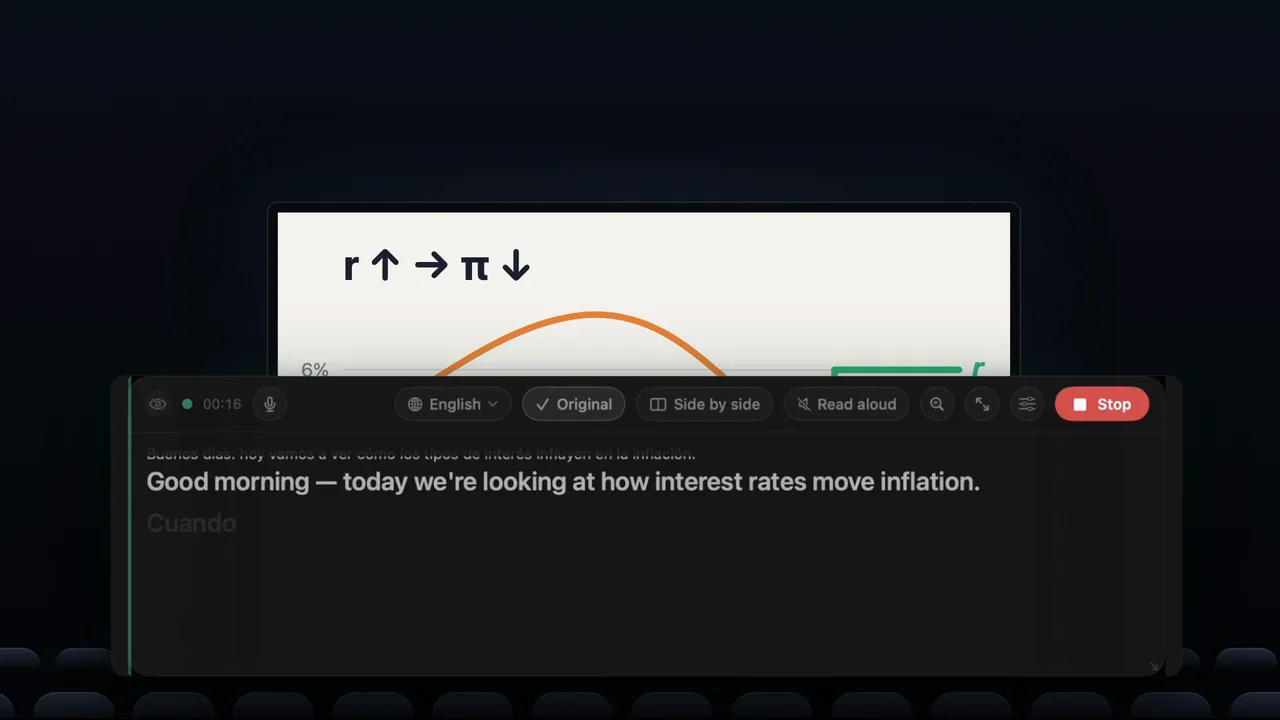
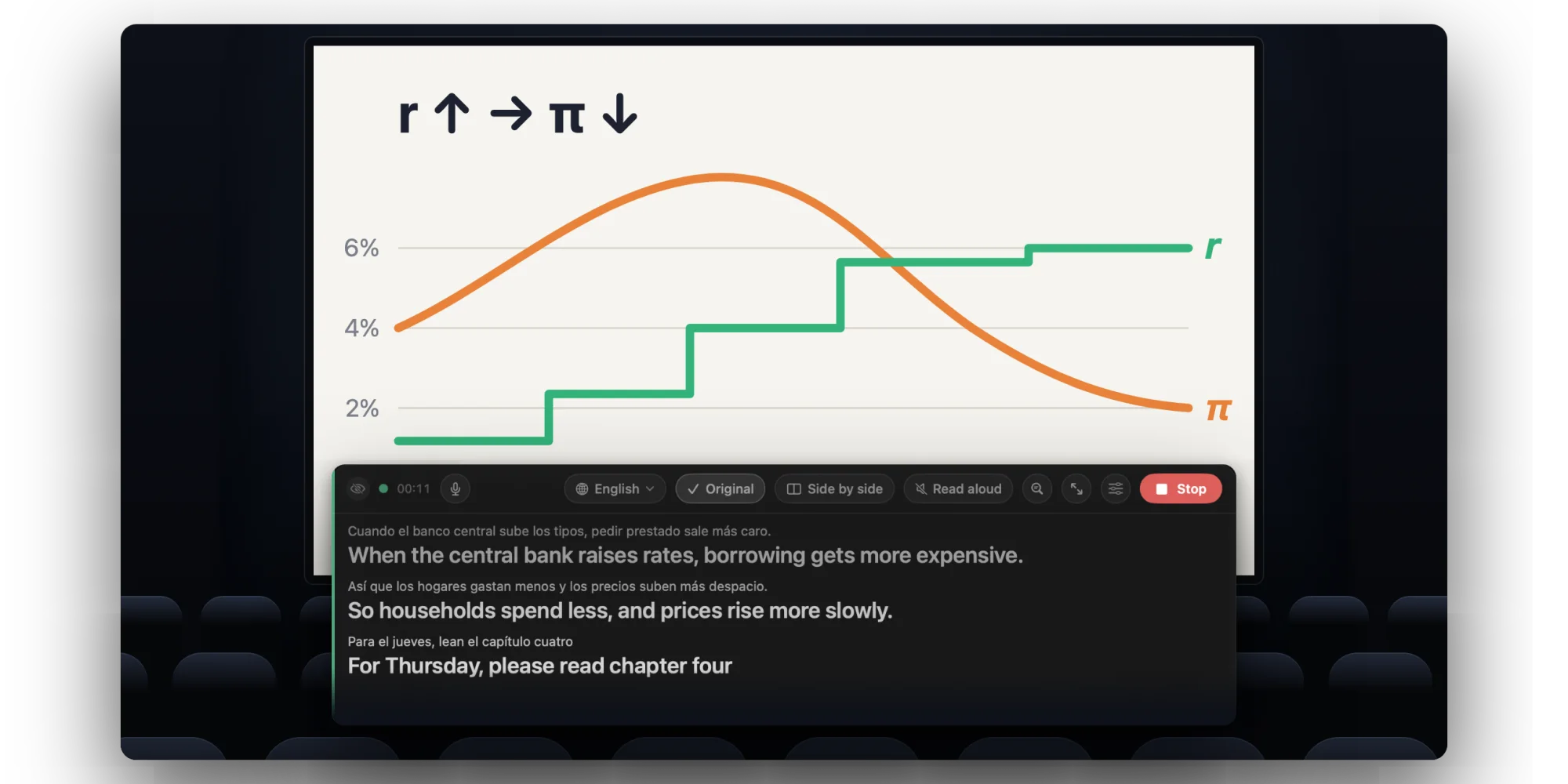
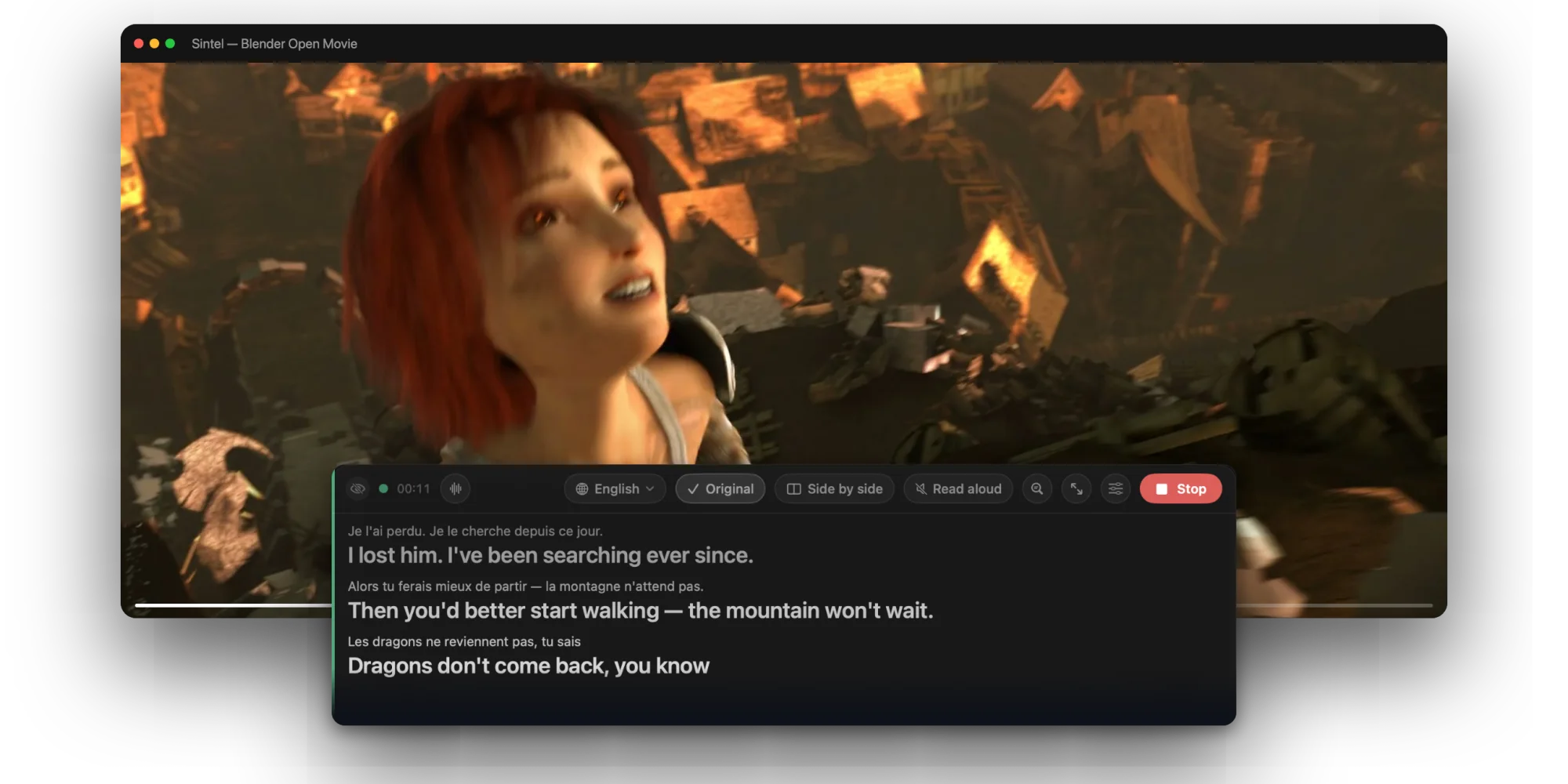
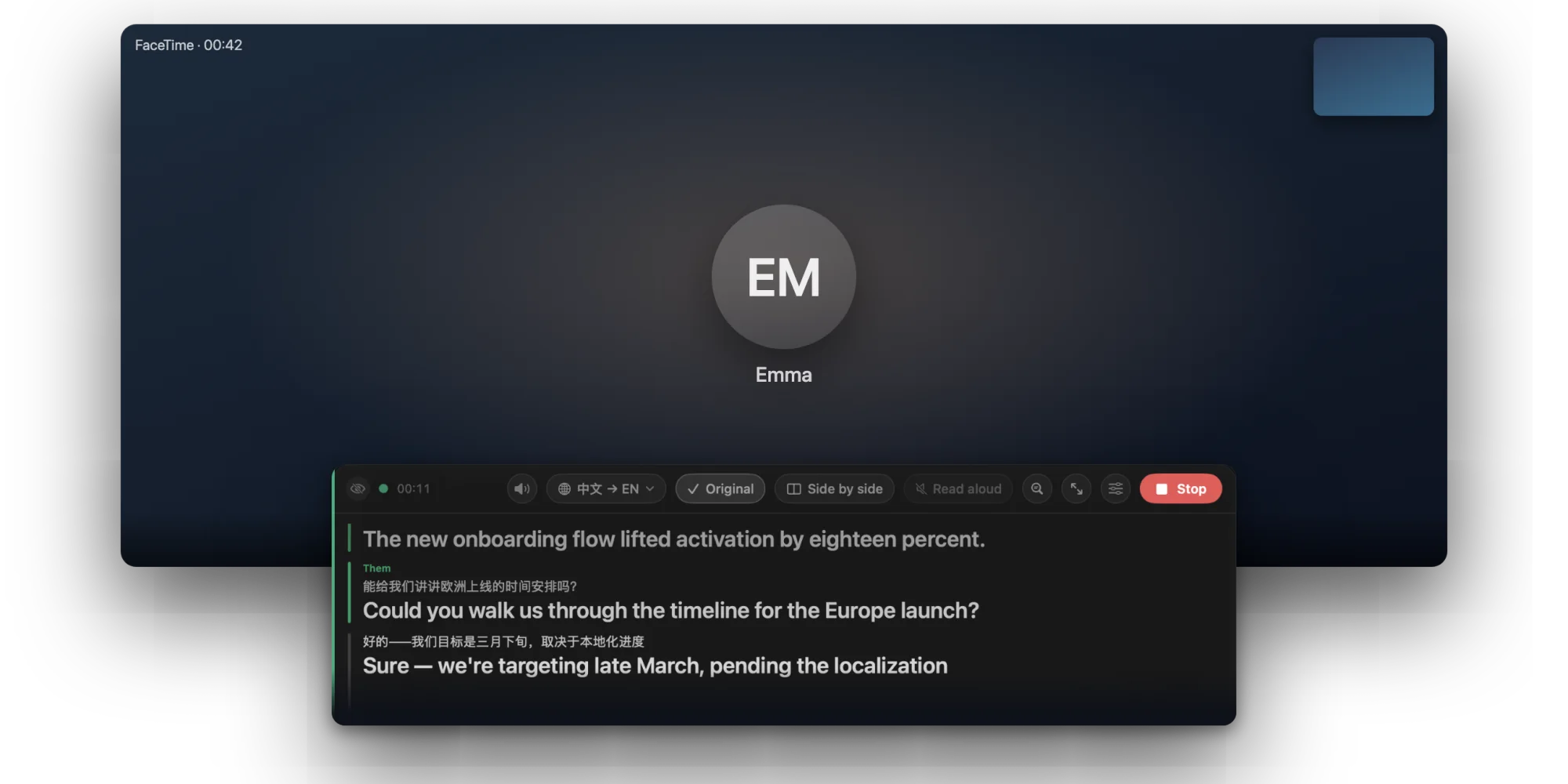
Tingdong shows live translated subtitles on Mac, iPhone, iPad and Windows. On a Mac or a Windows PC it captions anything you listen to; Tingdong for iPhone and iPad, its own app on the App Store, captions the people around you wherever you are. In classes, lectures and meetings, the computer app picks up the people in the room through the computer’s microphone. For YouTube and other videos, Zoom, Teams, Meet, podcasts and online courses, it listens to the computer’s own sound. Subtitles flow in real time alongside speech. On the Mac they can also go onto a big screen, and real iPhone calls and in-person conversations use “Call Translation”; the Mac’s Website version translates both ways and can speak your translated voice into the call. 60+ languages are detected automatically, and every new Mac or PC gets a free trial with no signup.
Is there a Windows version?
Yes. Tingdong for Windows is on the Microsoft Store, signed by Microsoft and updated through the Store, for x64 and ARM64 PCs with Windows 11 (Windows 10 22H2 should work but is not yet tested). It listens to the people in the room through the microphone, to whatever the PC plays, or to both at once as two separate streams, and translates each into your language, in the main window or in a floating window that stays on top, as the translation alone or with the original. Read aloud plays the translation on that PC only, and nothing is sent into your calls. Call Translation, big-screen subtitles and “No translation” are Mac-only, and sending your translated voice into a call needs the Mac’s Website version. The same plans work in both apps, and every new PC gets a free trial of about 100 minutes of subtitles. Details and the installer: Tingdong for Windows.
Do I need to buy again for iPhone or iPad?
Yes. Tingdong for iPhone and iPad is its own app, bought in the App Store, with its own free trial. A plan there covers every iPhone and iPad signed in with your Apple Account.
Why is it faster than built-in captions?
Recognition and translation run as one continuous stream, so the translation starts before the sentence ends instead of waiting for the speaker to stop. Built-in captions in meeting apps only work inside that specific app and usually require paid plans; Tingdong works across any audio your Mac plays.
How do I get live translation on iPhone calls?
Three simple steps, and you're set for every call: ① On your iPhone, go to Settings → Bluetooth and connect to your Mac (just like pairing headphones); ② Open Tingdong on the Mac, choose “Call Translation”, and click “Prepare Call”; ③ When the call connects, switch the audio output to your Mac on your iPhone call screen. Their words appear as live subtitles in your language (with optional Read aloud). With the Website version, what you say can also be spoken to them as a translated voice track.
Is there an iPhone app? Can it translate phone calls?
Yes. Tingdong for iPhone and iPad is on the App Store. It captions and translates the people around you in 60+ languages, in meetings, in class and face to face. Phone calls go through the Mac: the iPhone doesn’t give third-party apps the sound of a call, so hand the call to your Mac over Bluetooth and Tingdong for Mac subtitles it there, on a bigger screen. How to set it up. More about Tingdong for iPhone and iPad.
Does the other person need to install anything?
Nothing at all. They speak on a regular phone call or meeting as usual. With the Website version, they also hear a translated voice track alongside your original voice.
Which languages are supported?
French, German, Spanish, Japanese, Korean, Chinese, Arabic, Hindi, Portuguese, Italian, Russian, Vietnamese, Thai, Turkish, Polish, Dutch, Indonesian — and 40+ more, totaling 60+ languages, translated between any pair. You never need to set the source language: it detects spoken language automatically and follows switches mid-conversation. Subtitles, Read aloud, and Call Translation all cover the same 60+ languages.
Can Tingdong just transcribe, without translating?
Yes. Choose “No translation” at the top of the language menu and subtitles will display only what is said in the original language — ideal for fast-paced meetings, lectures, videos, and room chats. Every session is saved locally on your Mac and can be exported as .md or .srt. It costs 1 credit per minute, the same as translated subtitles. Details: live transcription.
How much delay is there?
Subtitles start appearing while the sentence is still being spoken and settle within a second or two — true simultaneous interpretation pacing. Read aloud follows at the same pace, keeping up with natural conversations on a standard internet connection.
Will the $5.99 membership cover normal use?
Yes. It is designed to cover most everyday watching, meetings and calls, with live subtitles and Call Translation included. You can always see your remaining allowance in the app.
Is my audio stored?
No. Audio passes only through the real-time recognition channel in memory; Tingdong never stores recordings on its servers, nor is audio used for training. Transcripts stay solely on your Mac. Usage metering counts seconds only, never content.
Monthly or yearly — what’s the difference?
Both offer the exact same features. Monthly is $5.99/mo; yearly is $59.99/yr — giving you 12 months for the price of 10. You can cancel auto-renewal anytime.
Does Tingdong support BYOK?
Yes. Members can add their own engine key under Settings → Advanced, billing usage directly to their own engine account instead of using membership credits.
How do I get live translated subtitles for Netflix or YouTube on a Mac?
Install Tingdong, click Start in Live Subtitles, and play your video in any browser or player. Because Tingdong listens directly to system audio, it works with Netflix, YouTube, Disney+, Twitch, and local video files — no browser extensions or subtitle files needed, with no DRM black screen issues. Step-by-step guides: Netflix · YouTube · raw anime and K-drama.
Does it work with Zoom, Microsoft Teams and Google Meet?
Yes, across all meeting apps and account tiers. Tingdong adds live subtitles on your local Mac: no bots join the call, no host settings are required, and other attendees see nothing unless you share your screen. Guides: Zoom · Google Meet and Teams.
How is Tingdong different from macOS Live Captions or Apple Live Translation?
macOS Live Captions only transcribes 8 languages without translating. Apple Live Translation covers 10 languages, requires an Apple Intelligence device, and works only one-on-one in Messages, Phone, and FaceTime. Tingdong translates 60+ auto-detected languages from anything your Mac plays, keeps pace with speakers, and covers videos, meetings, and phone calls. Comparisons: vs Live Captions · vs Live Translation.
How is Tingdong different from Windows Live Captions?
Live Captions is built into Windows 11 (version 22H2 and later): it is free, processes audio on the device and works offline. It translates only on Copilot+ PCs running Windows 11 24H2 or later, and only into English (from over 40 languages) or Chinese (Simplified) (from 27), according to Microsoft’s support page, read on 15 October 2026. Tingdong does not need a Copilot+ PC: it translates into any of 60+ languages, detects the spoken language on its own and can read the translation aloud. Recognition and translation run on a streaming engine in the cloud, so it needs a network connection and is paid after the free trial. More: Tingdong for Windows · vs Windows Live Captions.
Why does Tingdong cost money when on-device translators are free?
Because recognition and translation run on a dedicated real-time streaming engine in the cloud, rather than a shrunken model on your laptop. Free on-device tools require choosing language pairs in advance and wait for a sentence to finish before translating. Tingdong delivers full-scale model accuracy, detects 60+ languages automatically, and begins translating mid-sentence. Because server compute costs money per minute, we offer a free trial of about 100 minutes of subtitles rather than a crippled free tier. Full comparison: why cloud, why paid.
Isn’t an on-device app more private than a cloud one?
On-device apps keep audio strictly on the device. Tingdong provides a clear, verifiable promise: audio is processed in real time in memory, never stored, and never used for model training; transcripts stay only on your Mac; billing tracks seconds only. If your company policy bans outbound audio, use on-device tools. Otherwise, our full terms are clearly documented on our privacy page.
Why are App Store prices different from the website?
Tingdong is in the App Store twice: in the Mac App Store for the Mac, and as Tingdong for iPhone and iPad. App Store prices are set for each country or region and include local taxes and platform fees, so they can differ from the prices here; the App Store shows the exact price before you buy. Plans bought in the Mac App Store come with the same credits and the same pack validity as the plans here. Tingdong for iPhone and iPad has its own plans, Standard and Pro, plus 1000 credits you can buy once; credits bought once there never expire.