Real-time translation for Bilibili videos and live rooms
Updated 2026-10-16
Press Start, play it, and the subtitles appear as it is spoken — original, translated or both. Danmaku is what other viewers are typing, not a transcript, and most Bilibili uploads carry no subtitle track at all — when subtitles do exist they are often burned into the picture in the original language. Tingdong runs on your Mac, listens to the audio the page is playing and floats live captions in your language over the video, at the pace of speech, in the browser or in the desktop player.
How to set it up
- 1Open Tingdong and pick “Live Listen”
Choose “Screen sound” so it captions exactly what the page plays, including a live room.
- 2Press Play
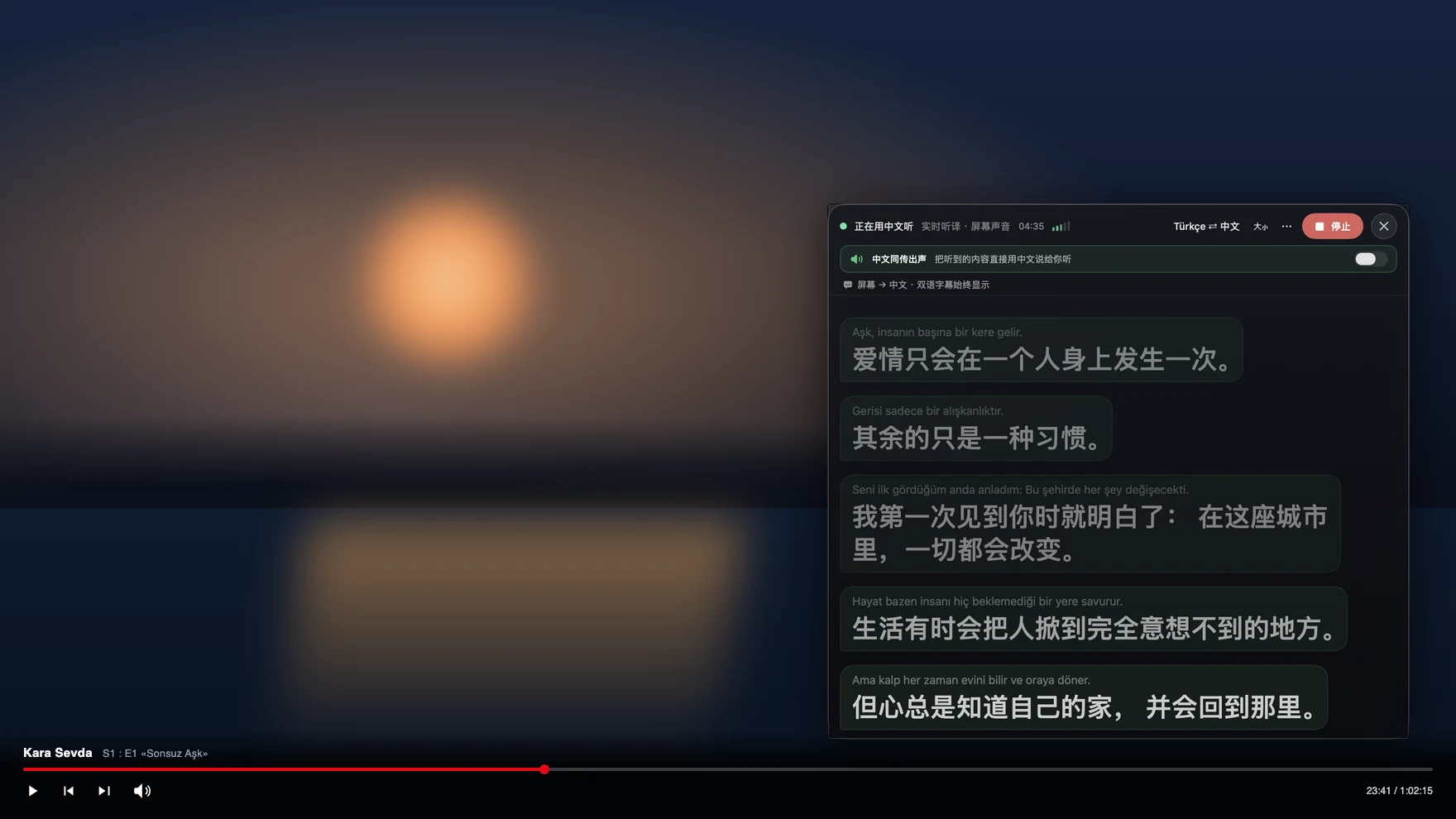
Captions float over the video: the original line on top, your language below, updating while the sentence is still being spoken.
- 3Optional: have the translation spoken
For long tutorials or a live room running in the background, the translation can be read aloud in your language.
Burned-in subtitles and danmaku both leave you without text to translate
Two things on Bilibili look like subtitles and are not. Danmaku is viewer comments scrolling across the picture — useful, but it is a chat feed, not what the speaker said. Burned-in subtitles are part of the image, so no tool can select, extract or auto-translate them the way it would a subtitle file. That leaves the audio as the only reliable source of the actual words, which is exactly what Tingdong uses: it captions the spoken track, so an uploaded video, a live room, a tutorial, a documentary and a recorded stream all behave the same. Language is detected per phrase among 60+ inputs, so a video that mixes Mandarin with English technical terms keeps captioning without a setting change.
Frequently asked questions
Does it translate danmaku?
No. Danmaku is viewer chat drawn over the picture, not speech. Tingdong captions what is actually said in the video, which is usually what you came for; the comments stay as they are.
The video has subtitles burned into the picture. Does that help or hurt?
Neither. Tingdong ignores the picture completely and works from the audio, so burned-in subtitles, a proper subtitle file or nothing at all make no difference to the captions you get.
Does it work in live rooms?
Yes. A live room has no subtitle track by definition, so translating the audio as it plays is the only route — the same one that works on Netflix, YouTube and Twitch.
Do I need an account or an extension?
No. Tingdong for Mac and Windows is a desktop app that listens to your computer’s sound; it does not log in to Bilibili, does not install anything in the browser and posts nothing back to the site.
Try it on your next video, meeting or callTry it at your next meeting or lecture
Download free for macOS Get it for Windows

Free trial: about 100 minutes of subtitles · No signup or card
Free trial · No account or card
Windows 11 (subtitles and Read aloud only, nothing sent into calls)