Tingdong vs Apple Live Translation (iOS 26)
Updated 2026-10-14
What each one can and cannot do, checked against the vendor’s own documentation. Short answer: if you own an iPhone 15 Pro or newer, both sides speak one of Apple’s ten supported call languages, and you only need one-on-one calls — use Apple’s built-in Live Translation; it’s free. Tingdong is for everything beyond that: 60+ auto-detected languages, any iPhone, group meetings, and live subtitles for Netflix, YouTube and Zoom.
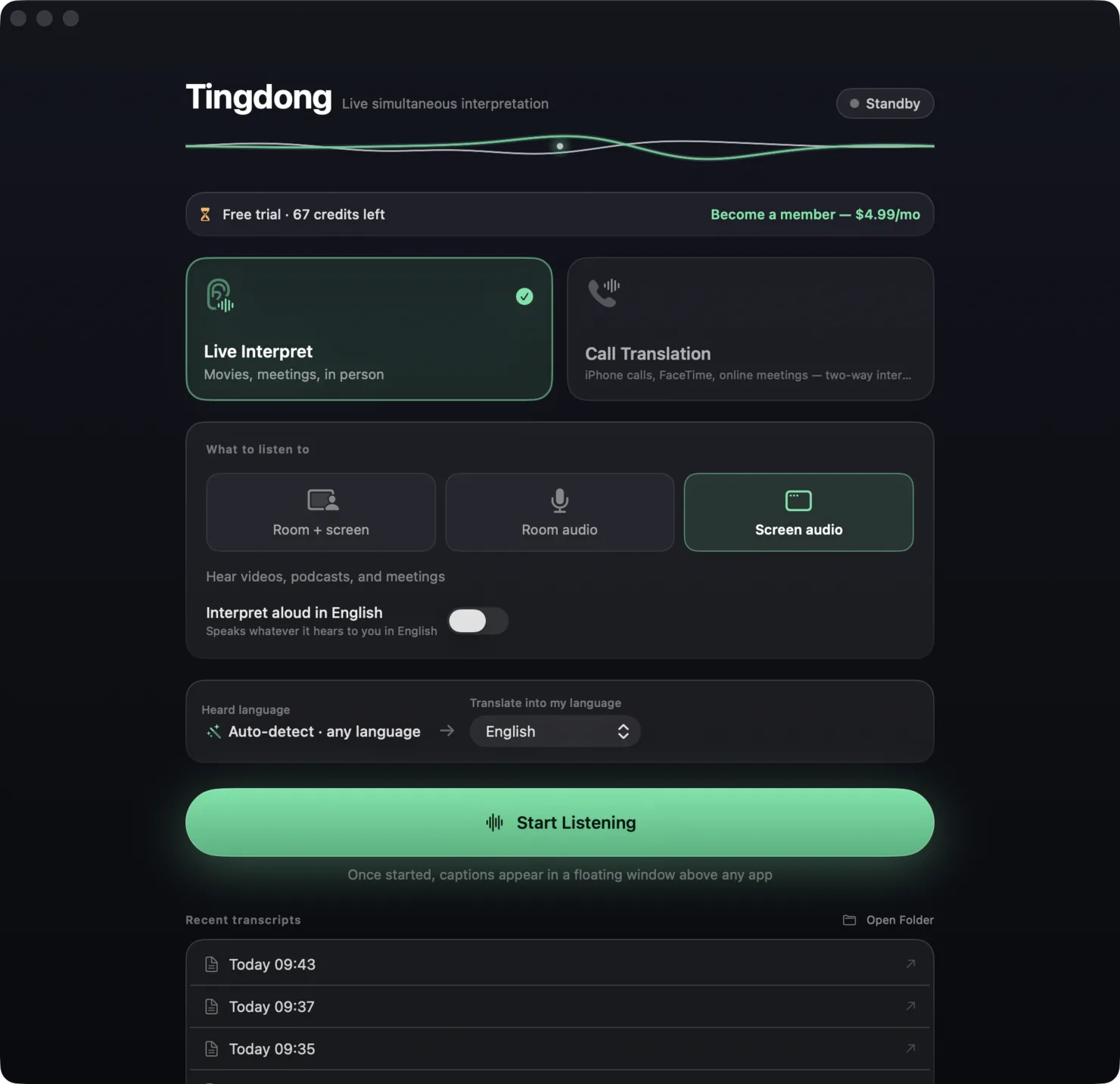
| Apple Live Translation | Tingdong | |
|---|---|---|
| Price | Free (built into iOS 26) | $5.99/month, free trial: about 100 minutes of subtitles |
| Devices | iPhone 15 Pro or newer + Apple Intelligence | Any Mac (macOS 15+) or Windows 11 PC (subtitles and Read aloud only, nothing sent into calls); for phone calls, the Mac plus any iPhone that pairs over Bluetooth |
| Call languages | 10, on an Apple Intelligence device | 60+, auto-detected, no packs |
| Pacing | Turn-taking: speak, pause, translation plays | Continuous simultaneous interpretation |
| Group calls / meetings | One-on-one calls only | Zoom, Teams, Meet, FaceTime, any meeting app |
| Media (Netflix, YouTube, podcasts) | Not covered | Live translated subtitles over any app |
| Privacy | On-device processing | Audio never stored, transcripts stay on your Mac |
| Other party needs | Best when both are on iOS 26 | Nothing — they just talk |
Where a row says on-device or offline: Tingdong runs recognition and translation on a dedicated streaming engine, not on your Mac. Why that is the trade we chose — model size, 60+ auto-detected languages, simultaneous pacing — is on one page: why not on-device, and why it costs money.
Which should you pick?
Take Apple’s if your hardware, languages and scenario all fit — free and on-device is unbeatable. Take Tingdong when the call is in one of the other 50+ languages, when it’s a meeting instead of a 1:1 call, when your iPhone is older than 15 Pro, or when what you actually want translated is a show, a podcast or a lecture on your Mac. Many users run both: Apple for quick 1:1 calls, Tingdong for everything else.
Frequently asked questions
Can Apple Live Translation caption Netflix or Zoom?
No. Apple’s Live Translation (iOS 26) covers Messages, one-on-one Phone calls and FaceTime on supported iPhones. It does not produce live translated captions for streaming video, podcasts or third-party meeting apps — that’s Tingdong’s Live Subtitles mode.
Does Tingdong need an iPhone 15 Pro?
No. Any iPhone that can pair with your Mac over Bluetooth works: the iPhone only hands the call audio to the Mac, and Tingdong on the Mac does the rest.
Is turn-taking translation a real drawback?
For quick exchanges it’s fine. In natural conversation — interruptions, overlaps, fast speakers — turn-taking forces an unnatural rhythm. Simultaneous pacing keeps the conversation flowing, which matters for bookings, hotlines and business calls.
Try it on your next video, meeting or call
Free trial: about 100 minutes of subtitles · No signup or card
This page is about the Mac. Windows PC? Tingdong for Windows