Tingdong vs Timekettle translator earbuds
Updated 2026-10-14
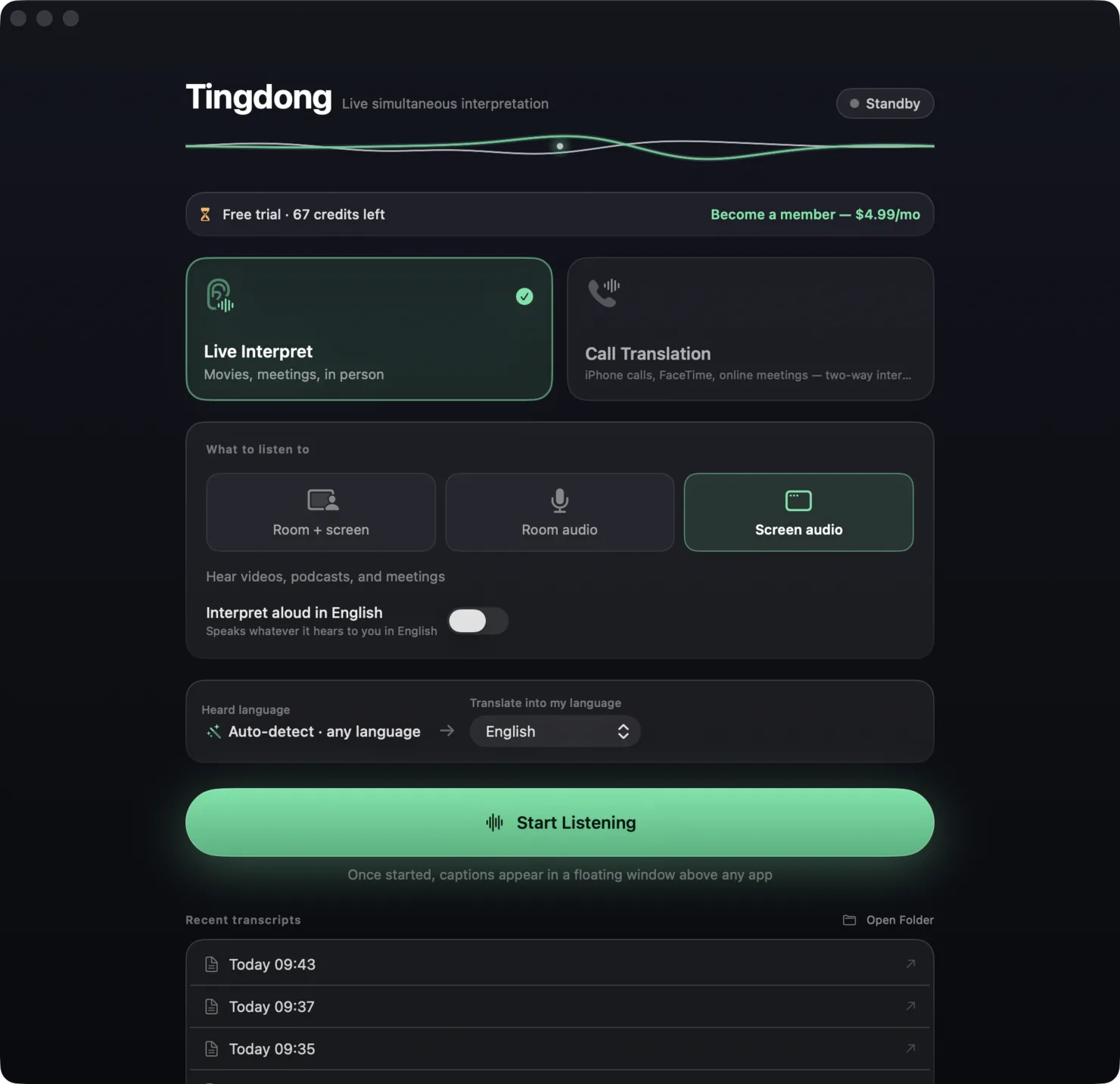
What each one can and cannot do, checked against the vendor’s own documentation. Short answer: Timekettle earbuds ($150–450 hardware) are built for face-to-face conversations while you’re out walking — that’s where they shine. Tingdong ($5.99/month software) is built for everything that happens on or through your Mac: phone calls, Zoom meetings, Netflix, YouTube, podcasts and lectures. No hardware to carry, charge or pair.
| Timekettle (W4 Pro / T1) | Tingdong | |
|---|---|---|
| Price | $150–450 one-time hardware | $5.99/month subscription, free trial |
| Form | Earbuds + companion app | App for Mac or Windows, nothing to carry or charge |
| Best at | Face-to-face conversation on the go | Calls, meetings, media on your Mac |
| Phone calls | Via earbuds and app setup | iPhone → Mac Bluetooth handoff, other side installs nothing |
| Netflix / YouTube / podcasts | Not a media captioning tool | Live translated subtitles over any app |
| Meetings (Zoom/Teams/Meet) | Supported via app modes | System audio subtitles + Tingdong Microphone (Mac Website version), no bot |
| Offline use | Offline packs available | Needs a connection (real-time cloud recognition) |
| Subtitles on a big screen | Phone-sized screen | Full-size floating subtitles on the Mac |
Where a row says on-device or offline: Tingdong runs recognition and translation on a dedicated streaming engine, not on your Mac. Why that is the trade we chose — model size, 60+ auto-detected languages, simultaneous pacing — is on one page: why not on-device, and why it costs money.
Which should you pick?
If your life is markets, taxis and street conversations in another country, earbuds you can wear are the right tool — buy the Timekettle. If your cross-language life happens at a desk — overseas calls, international standups, shows without subtitles — a $5.99 subscription beats a $300 gadget you have to carry, charge and remember. Try Tingdong’s free trial first: about 100 minutes of subtitles, no signup needed.
Frequently asked questions
Do I need any hardware for Tingdong?
No. Tingdong is pure software: a Mac or a Windows PC, and for phone calls a Mac plus any iPhone that pairs over Bluetooth. There’s nothing to buy, charge or carry.
Can Timekettle caption Netflix or YouTube?
Timekettle earbuds are conversation devices; they’re not designed to caption media playing on your computer. Tingdong captures system audio, so any video, podcast or course on the Mac gets live translated subtitles.
Which is cheaper over a year?
Tingdong is $59.99/year (yearly plan). Timekettle hardware runs $150–450 up front, and some AI features require their own subscriptions. If you don’t need in-ear translation outdoors, the app is the smaller spend.
Does Tingdong work offline?
No — recognition and translation run in real time over the network, which is how it keeps auto-detection across 60+ languages and simultaneous pacing. Timekettle’s offline packs are the better fit for no-signal travel.
Try it on your next video, meeting or call
Download free for macOS Get it for Windows
Free trial: about 100 minutes of subtitles · No signup or card
Windows 11 (subtitles and Read aloud only, nothing sent into calls)