Tingdong vs StreamVox
Updated 2026-10-16
What each one can and cannot do, checked against the vendor’s own documentation. Short answer: StreamVox and Tingdong are the two apps in this category that both show subtitles and speak. StreamVox runs on Windows, Mac and iPhone, starts at $8.99/month for 40 hours, and reads translations aloud in 21 languages (beta). Tingdong runs on Mac and Windows at $5.99/month, auto-detects 60+ languages, and on the Mac is built around the two-way call (Website version): your translated voice goes into the conversation, not just their words onto your screen. Tingdong for iPhone and iPad is a separate app on the App Store, for the people around you. Pick by platform first, then by whether you need to talk back.
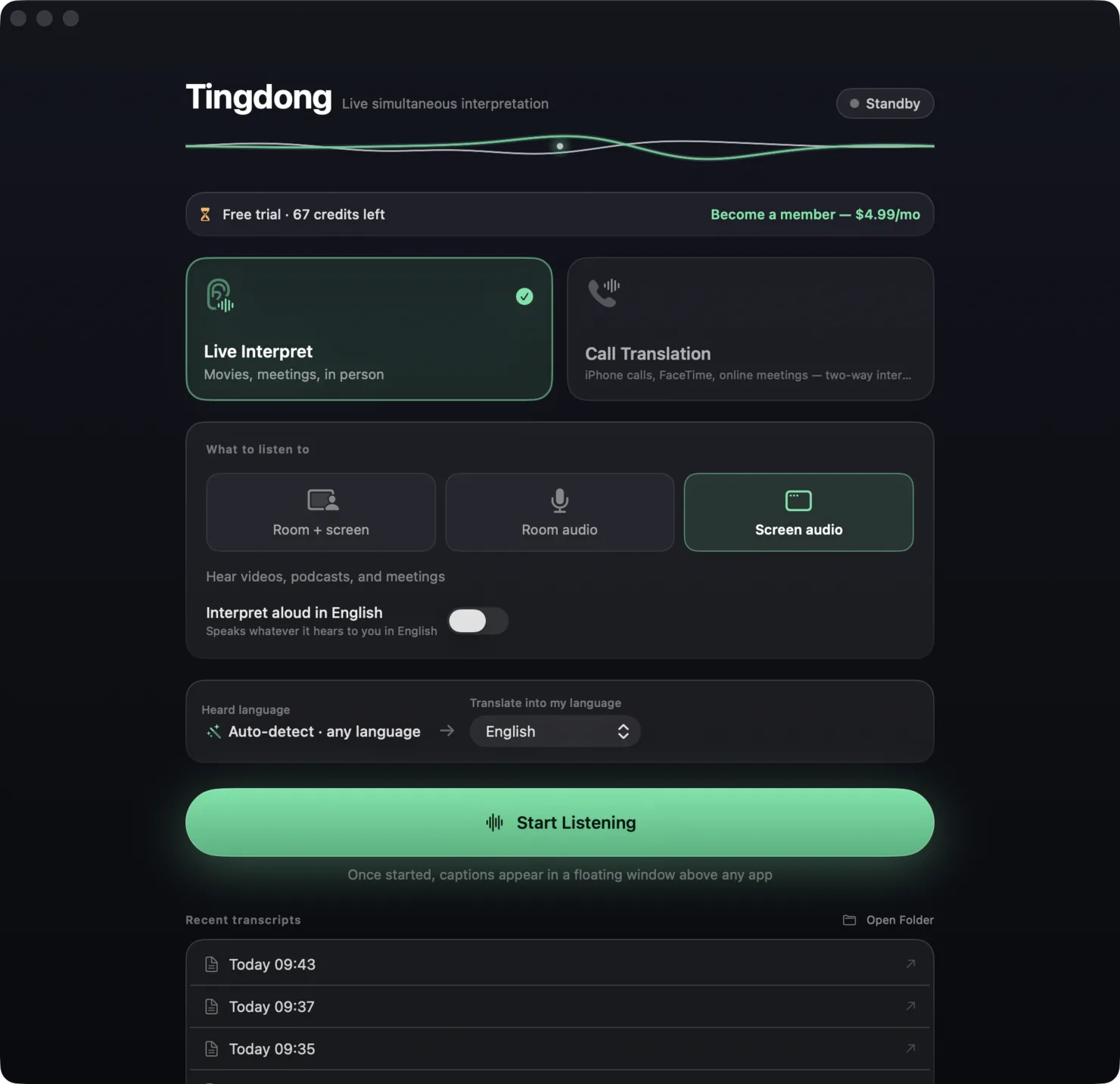
| StreamVox | Tingdong | |
|---|---|---|
| Platforms | Windows, macOS, iPhone (Microsoft Store / App Store) | macOS 15 or later; Windows 11 (subtitles and Read aloud only, nothing sent into calls); iPhone and iPad: Tingdong for iPhone and iPad, a separate App Store app for the people around you |
| Price | Free: 15 minutes every 24 hours; Pro $8.99/month (40 h), Pro+ $14.99/month (70 h), Unlimited $24.99/month | Free trial: about 100 minutes of subtitles; $5.99/month or $59.99/year |
| Languages | 50+ | 60+, auto-detected |
| Translation read aloud | Yes, beta, 21 languages, synthesized on device | Yes, built in |
| Your voice translated into the call | Not described | Tingdong Microphone (Mac Website version) — two-way, in any app with a mic menu |
| Phone calls | iPhone calls via Continuity on Mac / Phone Link on Windows | iPhone → Mac Bluetooth handoff, two-way Call Translation (Website version) |
| Where processing runs | Cloud transcription and translation; audio never stored | Mac and Windows: real-time cloud recognition; audio never stored |
| Meeting bot | None — local overlay | None |
| One subscription, several devices | Yes, one active at a time | One computer at a time per license (a Mac or a Windows PC); Tingdong for iPhone and iPad is bought separately in the App Store |
Where a row says on-device or offline: Tingdong runs recognition and translation on a dedicated streaming engine, not on your Mac. Why that is the trade we chose — model size, 60+ auto-detected languages, simultaneous pacing — is on one page: why not on-device, and why it costs money.
Which should you pick?
Pick StreamVox if you want one subscription that follows you across devices and you are happy to pay $8.99 and up for it. Pick Tingdong if you live on a Mac and the goal is a conversation, not a transcript: it is the cheaper of the two, it detects the language for you instead of asking you to pick, and it is the only one of the pair that puts your own translated voice into the call (Website version). On Windows, Tingdong subtitles and reads aloud but sends nothing into calls. On iPhone and iPad, Tingdong for iPhone and iPad captions the people around you; phone calls still go through the Mac. Both let you try before paying.
Frequently asked questions
Does StreamVox work on Mac?
Yes — StreamVox is on the Mac App Store, with Windows and iPhone versions too. Tingdong runs on Mac and Windows, with its call features on the Mac; Tingdong for iPhone and iPad is on the App Store, for the people around you.
Which one is cheaper?
Tingdong: $5.99/month or $59.99/year, versus StreamVox Pro at $8.99/month. StreamVox’s free tier is 15 minutes a day, forever; Tingdong’s is a one-time free trial of about 100 minutes of subtitles.
Do both read the translation aloud?
Yes. StreamVox added text-to-speech in beta for 21 languages; Tingdong’s Read aloud is built in and is the basis of its call mode, where the other party hears your translated voice (Mac Website version).
Can either translate a real phone call?
Both route iPhone calls to the Mac — StreamVox through Continuity, Tingdong through a Bluetooth handoff. The difference is direction: Tingdong interprets both sides, so the person you called hears your words in their language (Mac Website version).
Try it on your next video, meeting or call
Download free for macOS Get it for Windows
Free trial: about 100 minutes of subtitles · No signup or card
Windows 11 (subtitles and Read aloud only, nothing sent into calls)