Tingdong vs Transcrybe
Updated 2026-10-16
What each one can and cannot do, checked against the vendor’s own documentation. Short answer: this is the cleanest on-device-versus-cloud trade-off in the category. Transcrybe runs entirely on your Mac — no servers, no uploads, a 60-minute trial and then a $29.99 lifetime license — and shows translated subtitles as text. Tingdong sends audio to a real-time recognition service (never stored), costs $5.99/month — or a one-time pack of 5000 credits, valid 180 days, if you would rather not subscribe — and in exchange gives you 60+ auto-detected languages, Read aloud, and two-way Call Translation of real phone calls and meetings (Mac Website version). If your rule is “nothing leaves the machine”, Transcrybe is the honest pick. If you need to be understood back, Tingdong is.
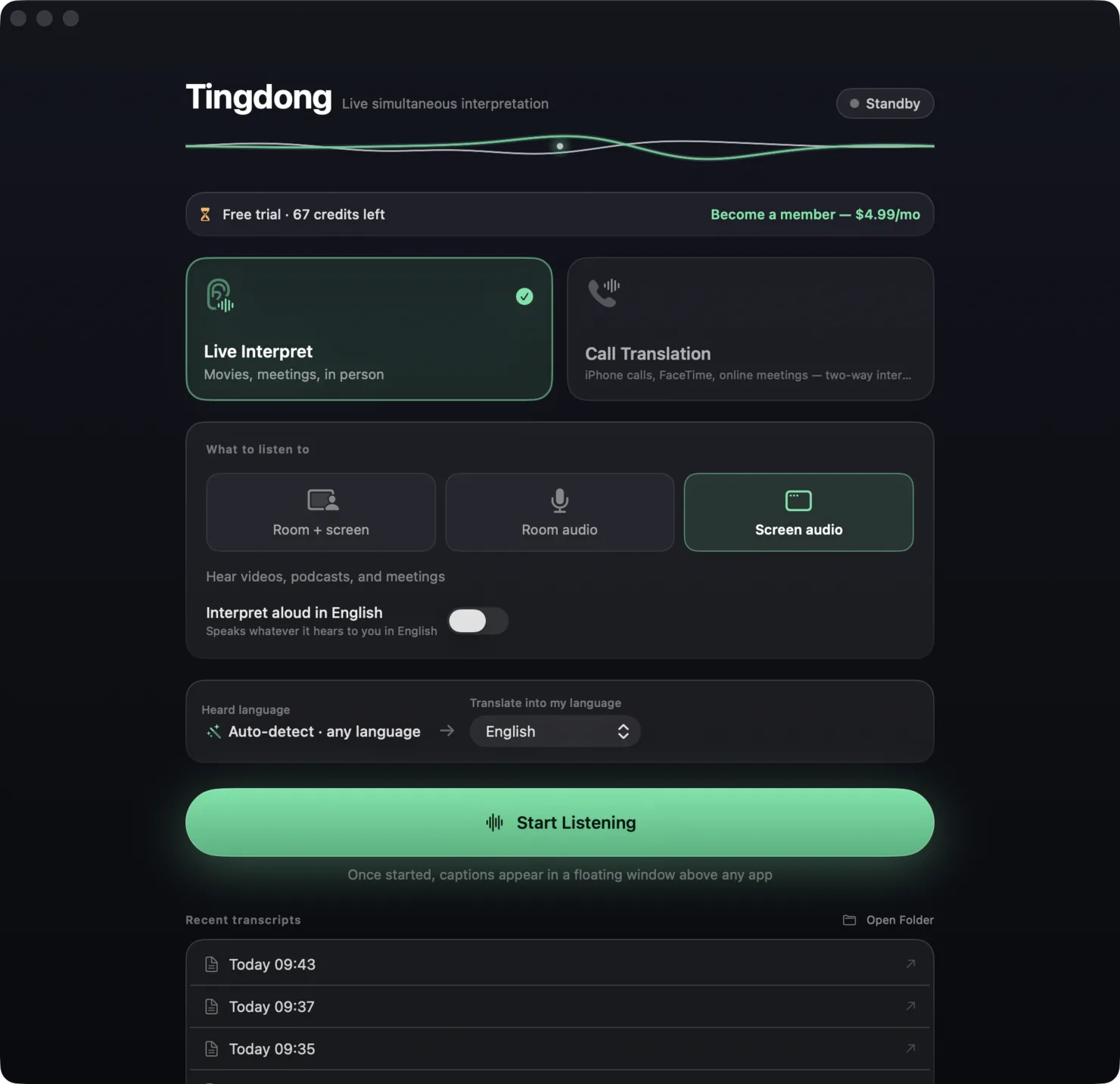
| Transcrybe | Tingdong | |
|---|---|---|
| Platforms | macOS | macOS 15 or later; Windows 11 (subtitles and Read aloud only, nothing sent into calls) |
| Price | 60-minute free trial, then $29.99 one-time lifetime license | Free trial: about 100 minutes of subtitles; $5.99/month or $59.99/year — or no subscription: 5000 credits once for $29.99, valid 180 days |
| Where processing runs | On your Mac — “no servers, no uploaded recordings” | Real-time cloud recognition; audio is never stored, transcripts stay on your Mac |
| Works offline | Yes | No |
| Languages | Several target languages at once; count not stated on their site | 60+ input languages, auto-detected |
| Output | Text subtitles | Text subtitles + Read aloud |
| Your voice translated into the call | Not described | Tingdong Microphone (Mac Website version) — two-way in Zoom, FaceTime, WhatsApp, phone calls |
| Real phone calls | Not described | iPhone → Mac Bluetooth handoff |
| Meeting bot | None | None |
Where a row says on-device or offline: Tingdong runs recognition and translation on a dedicated streaming engine, not on your Mac. Why that is the trade we chose — model size, 60+ auto-detected languages, simultaneous pacing — is on one page: why not on-device, and why it costs money.
Which should you pick?
Pick Transcrybe if privacy policy, not price, is the constraint — a legal or medical workplace that forbids audio leaving the device — or if you want to pay once and watch subtitled video forever. Pick Tingdong when the job is a conversation: a supplier on the phone, a group FaceTime with family, an interview. Reading subtitles is half of that; the other half is the person on the other end hearing you in their language, and that is the part you are paying for. You do not have to subscribe for it: Tingdong sells the same credits as a one-time pack: 5000 for $29.99, and anyone who already holds a membership or a pack can add 1000 for $6.99. The honest difference is that a pack expires — 180 days for the 5000 pack, 90 for the 1000 top-up — and is not a lifetime licence like Transcrybe’s. Tingdong also detects the language so mixed-language meetings just work.
Frequently asked questions
Does Tingdong send my audio to a server?
Yes — recognition and translation run in real time over the network, which is what makes auto-detection across 60+ languages and simultaneous pacing possible. Audio is streamed, never stored, and transcripts stay on your Mac. Transcrybe processes everything on the Mac itself.
Is $29.99 once cheaper than $5.99 a month?
Over enough months, yes — if text subtitles are all you need. But the monthly plan is not the only way to buy Tingdong: a one-time pack of 5000 credits costs $29.99, with no subscription, and stays valid for 180 days (not forever, unlike Transcrybe’s licence). Either way you are paying for the parts Transcrybe does not do: Read aloud, the translated voice in calls (Mac Website version), and cloud-grade recognition across 60+ languages.
Can Transcrybe translate a phone call?
Its site describes microphone and app-audio capture and Zoom calls; it does not describe FaceTime or phone-call audio or a two-way mode (Website version). Tingdong has a dedicated call path: iPhone → Mac Bluetooth handoff, with your translated voice going back to the other person.
Which one works on a plane?
Transcrybe — it is on-device. Tingdong needs a connection.
Try it on your next video, meeting or call
Free trial: about 100 minutes of subtitles · No signup or card
This page is about the Mac. Windows PC? Tingdong for Windows