Tingdong vs NotchLive
Updated 2026-10-16
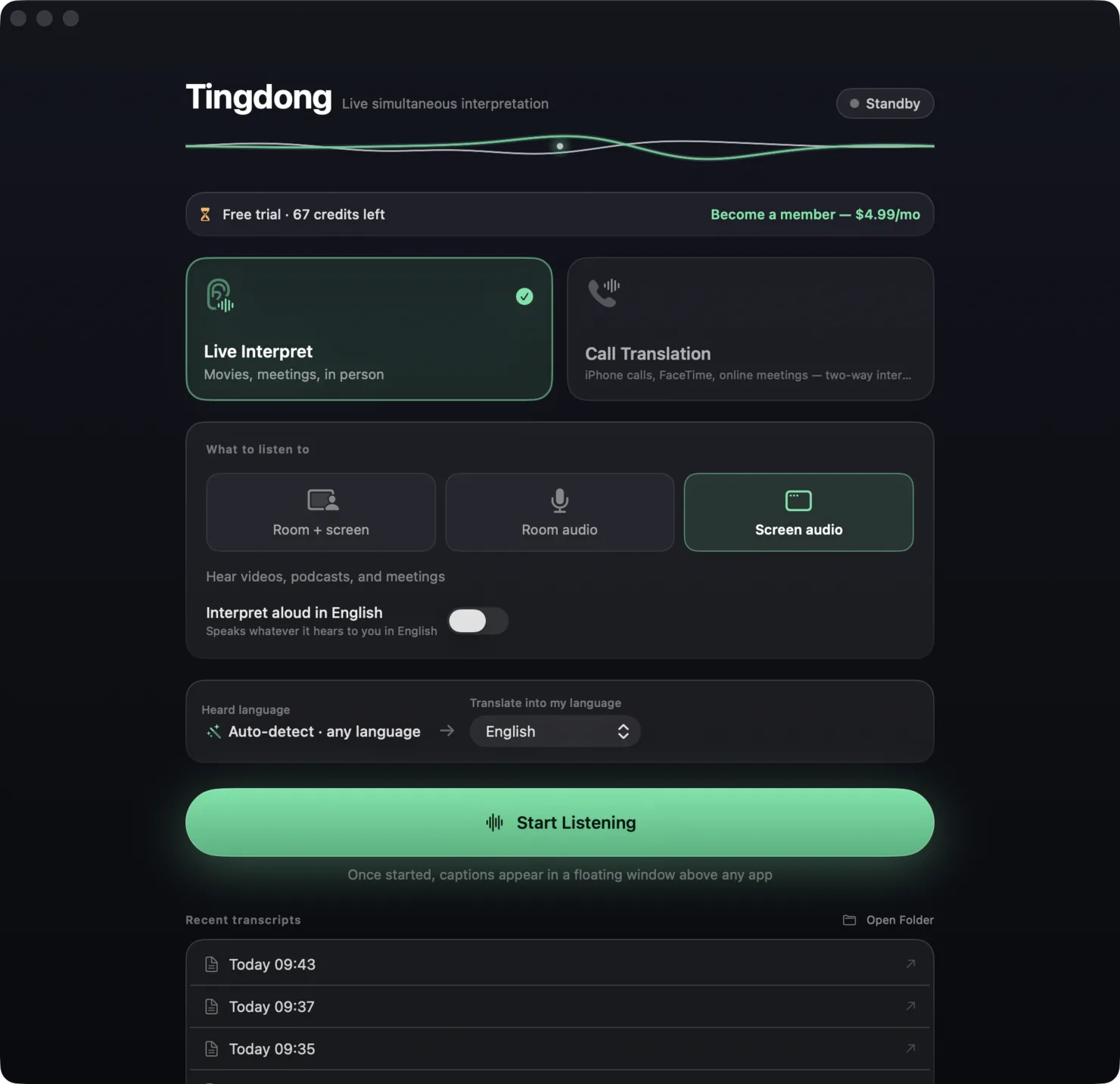
What each one can and cannot do, checked against the vendor’s own documentation. Short answer: NotchLive is the strongest free option for same-language captions on a Mac — on-device Whisper recognition, 90+ spoken languages, captions free forever — and it adds translation into 20 languages in its Pro tier. Tingdong starts from the other end: it is a translator first, with 60+ auto-detected languages, Read aloud, and two-way Call Translation (Mac Website version), for $5.99/month. If you mostly need to read what is said in its own language, start with NotchLive. If you need the other language and the other direction, that is Tingdong’s job.
| NotchLive | Tingdong | |
|---|---|---|
| Platforms | macOS; Pro translation needs macOS 15 or later | macOS 15 or later; Windows 11 (subtitles and Read aloud only, nothing sent into calls) |
| Price | Captions free forever; translation, history and export in Pro (see their pricing page) | Free trial: about 100 minutes of subtitles; $5.99/month or $59.99/year |
| Recognition | On-device Whisper | Real-time cloud recognition; audio never stored |
| Captioned languages | 90+, auto-detected | 60+, auto-detected |
| Translated into | 20 languages (Pro) | Your language, from any of the 60+ |
| Translation read aloud | Not offered | Built in |
| Your voice translated into the call | Not offered | Tingdong Microphone (Mac Website version) — two-way |
| Real phone calls / FaceTime | Not described; focuses on Zoom, Meet, Teams, browser, mic | Dedicated call audio tap + iPhone → Mac Bluetooth handoff |
| Works offline | Captions yes (on-device) | No |
| Meeting bot | None | None |
Where a row says on-device or offline: Tingdong runs recognition and translation on a dedicated streaming engine, not on your Mac. Why that is the trade we chose — model size, 60+ auto-detected languages, simultaneous pacing — is on one page: why not on-device, and why it costs money.
Which should you pick?
Pick NotchLive if captions in the speaker’s own language solve your problem — accessibility, noisy rooms, keeping a private transcript — or if on-device processing is a requirement; its free tier is genuinely useful. Pick Tingdong when the language barrier is the problem: you need to understand a Hindi podcast in English, follow a Japanese meeting in Chinese, or call a Spanish-speaking office and be understood (Mac Website version). Translation is the whole product rather than a Pro add-on, and it comes with a voice and a call mode NotchLive does not attempt.
Frequently asked questions
Is NotchLive really free?
Live captions are free forever per their site. Real-time translation, session history, Voice Notes and export are Pro features; the Pro price is on their pricing page.
Which recognizes more languages?
NotchLive lists 90+ captionable languages via on-device Whisper; Tingdong recognizes 60+. NotchLive translates into 20 languages; Tingdong translates any of its 60+ into your language.
Does either one speak?
Only Tingdong. The translation can be read aloud in your language, and in “Call Translation” your own words reach the other side as a translated voice (Mac Website version).
Can NotchLive caption a FaceTime or phone call?
Its site describes Zoom, Meet, Teams, browser tabs, videos and microphone speech; it does not describe FaceTime or phone-call audio. Tingdong has a dedicated call audio path for exactly that case.
Try it on your next video, meeting or call
Free trial: about 100 minutes of subtitles · No signup or card
This page is about the Mac. Windows PC? Tingdong for Windows