Tingdong vs Seagull
Updated 2026-10-16
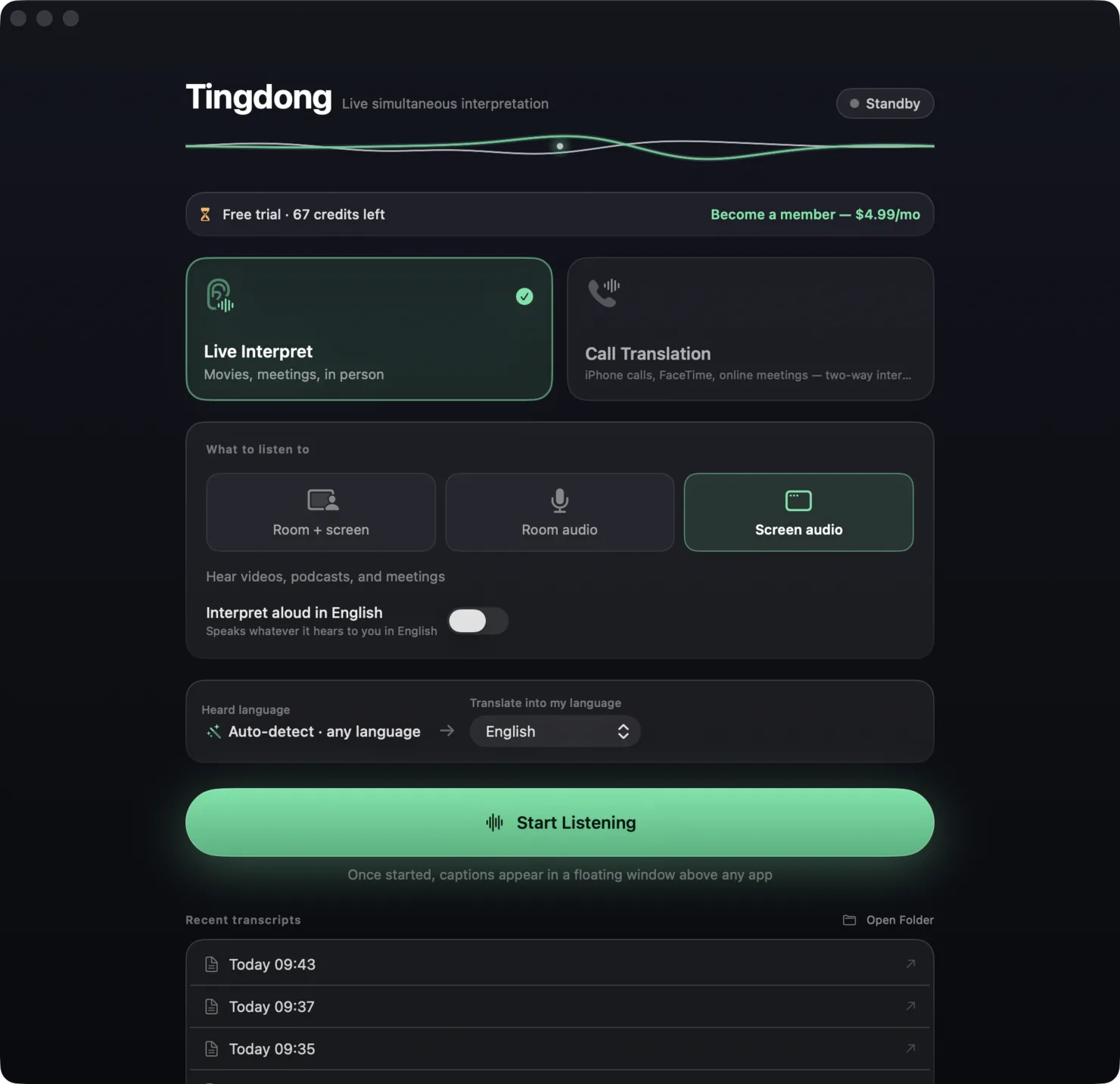
What each one can and cannot do, checked against the vendor’s own documentation. Short answer: both apps capture system audio and float translated subtitles over whatever is playing — YouTube, Zoom, and on the Mac also Netflix — with no browser extension and no meeting bot. Seagull runs on Mac, Windows and Linux and sells hours (48 hours for $6.99/month). Tingdong runs on Mac and Windows, costs $5.99/month, and goes one step further: it can speak the translation and, on the Mac, carry your own voice (Website version), translated, into a real phone call or meeting. If you only need to read, either works; if you need to talk back, only one of them does it today.
| Seagull | Tingdong | |
|---|---|---|
| Platforms | macOS (Apple Silicon + Intel), Windows, Linux | macOS 15 or later; Windows 11 (subtitles and Read aloud only, nothing sent into calls) |
| Price | Free 1 hour; $2.99/week (12 h), $6.99/month (48 h), $69.99/year (600 h); $0.49 per extra hour | Free trial: about 100 minutes of subtitles; $5.99/month or $59.99/year, ~16 hours of subtitles per month included |
| Languages | 60+ | 60+, auto-detected, including mid-sentence switches |
| Subtitles over any app | Yes — system audio, no plugins | Yes — system audio, plus a dedicated tap for FaceTime and phone calls |
| Translation read aloud | “Coming soon”, planned as a paid add-on | Built in — the translation is read aloud in your language |
| Your voice translated into the call | Conversation Mode shares one mic for two people in the room | Tingdong Microphone (Mac Website version): the other side hears your voice plus a translated voice, in Zoom, FaceTime, WhatsApp, or a real phone call |
| Real phone calls | Not described | iPhone → Mac Bluetooth handoff, two-way (Website version) |
| Where processing runs | Not stated on their site | Real-time cloud recognition; audio is never stored |
| Meeting bot | None | None |
Where a row says on-device or offline: Tingdong runs recognition and translation on a dedicated streaming engine, not on your Mac. Why that is the trade we chose — model size, 60+ auto-detected languages, simultaneous pacing — is on one page: why not on-device, and why it costs money.
Which should you pick?
Pick Seagull if you need Linux, or if your month is mostly long viewing sessions and its hour bundles price out cheaper for you. Pick Tingdong if you are on a Mac and the conversation goes both ways — customer calls, interviews, a relative on the phone — because speaking the translation and putting your translated voice into the call is the half Seagull does not ship yet (Website version). On Windows, Tingdong subtitles and reads aloud but sends nothing into calls. Both have a free allowance; try the one that matches your week.
Frequently asked questions
Is Seagull available on Mac?
Yes — Seagull runs on macOS (Apple Silicon and Intel), Windows and Linux. Tingdong runs on macOS 15 or later and on Windows 11; its call features stay on the Mac because they depend on macOS audio features.
Which is cheaper?
It depends on hours. Seagull’s $6.99/month covers 48 hours of captions; Tingdong’s $5.99/month covers about 16 hours of subtitles, or a mix of subtitles and Read aloud. Heavy daily viewers may get more hours from Seagull; people who mostly need calls and meetings pay less with Tingdong.
Can either one translate what I say?
Tingdong does this today: choose “Call Translation”, pick Tingdong Microphone (Mac Website version) in the app’s mic menu, and the other side hears a translated voice alongside yours. Seagull’s site lists voice playback as “coming soon” and describes a Conversation Mode for two people sharing one microphone in the same room.
Do they add a bot to my meeting?
Neither does. Both subtitle the audio your computer already plays; nobody else in the meeting sees anything.
Try it on your next video, meeting or call
Download free for macOS Get it for Windows
Free trial: about 100 minutes of subtitles · No signup or card
Windows 11 (subtitles and Read aloud only, nothing sent into calls)