Real-time Japanese translation on your Mac
Updated 2026-09-24
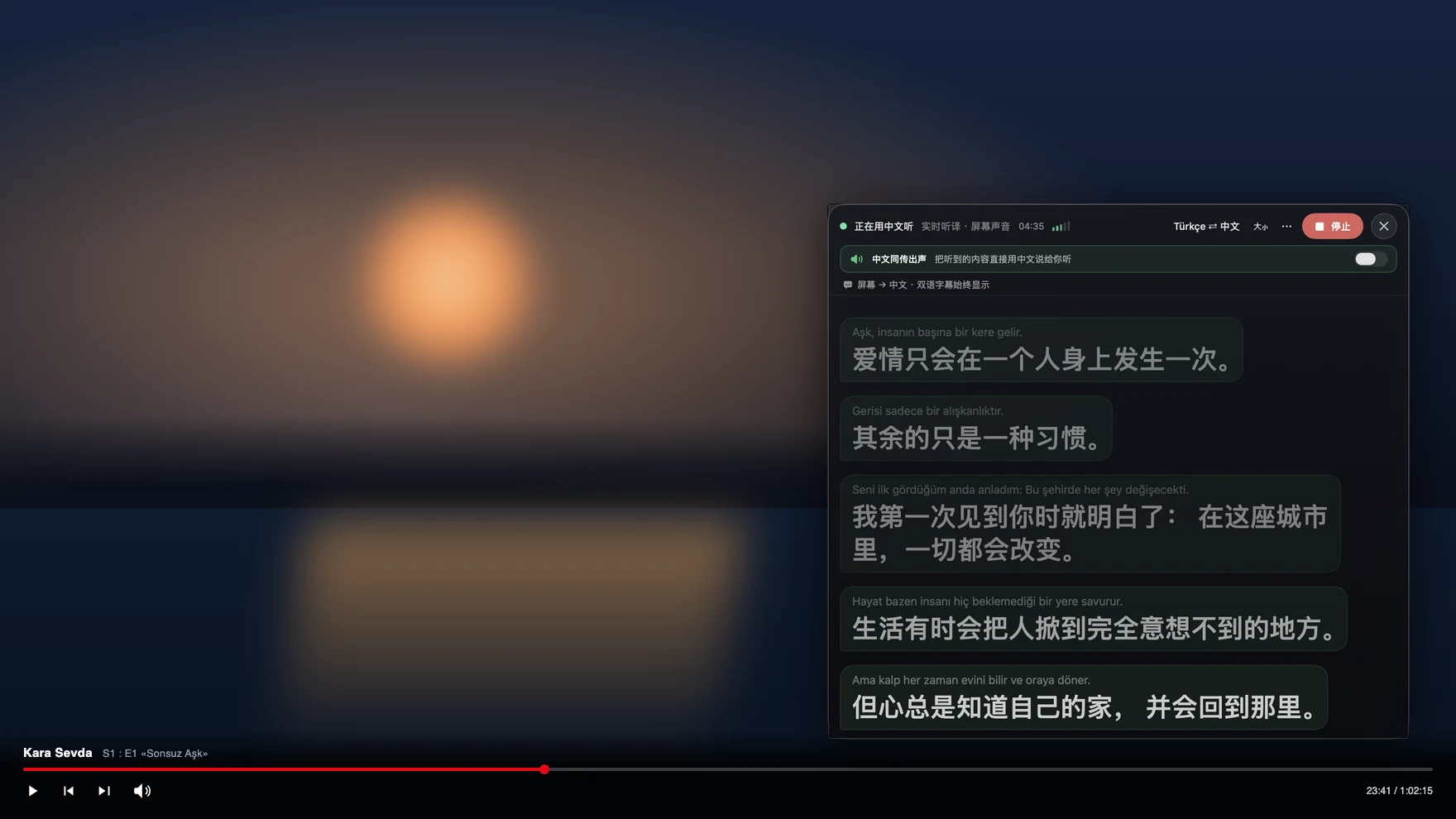
Press Start, play it, and the subtitles appear as it is spoken — original, translated or both. To understand Japanese as it is spoken — a raw anime episode, a VTuber stream, a Tokyo supplier on Zoom, a phone call to a hotel in Kyoto — run Tingdong on your Mac. It listens to whatever is playing, recognizes Japanese automatically, and floats English subtitles over it at simultaneous-interpretation pace. Switch to Call Translation and the other direction works too: you speak English, they hear Japanese (Website version).
How to set it up
- 1Open Tingdong and choose “Live Subtitles”
Pick “Screen sound” so it hears exactly what the video or meeting plays. You do not pick Japanese — it is detected.
- 2Press Start
Subtitles float over the player or the Zoom window: Japanese line on top, English below, updating while the sentence is still being spoken.
- 3For a call, switch to “Call Translation”
Choose Tingdong Microphone (Website version) in the app’s mic menu, or hand an iPhone call to the Mac over Bluetooth. Your English reaches them as a Japanese voice; their Japanese comes back as English subtitles.
What Japanese does to ordinary caption tools
Japanese drops subjects, ends sentences with the verb, and carries meaning in particles and register — so line-by-line subtitle translators, which never see the previous sentence, produce the flat, wrong captions you have seen on auto-translated YouTube. Tingdong translates a continuous stream of speech and keeps context across sentences, which is what makes the output readable on a long meeting or a 25-minute episode. Mixed speech is handled too: an English loanword, a Chinese name, a guest switching to Korean mid-stream — the language is detected per phrase, not set once.
Frequently asked questions
Does it work on raw anime and Japanese live streams?
Yes. It captures the audio your Mac plays, so any player or site works — Crunchyroll, Netflix, YouTube, Twitch, niconico, local files in VLC or IINA — and live streams with no subtitle track at all.
Can it translate a phone call with someone in Japan?
Yes. Hand the iPhone call to your Mac over Bluetooth and Tingdong interprets both ways: they hear your words as a Japanese voice alongside your own (Website version), you read their replies as English subtitles. They install nothing.
How accurate is it for business Japanese?
Meeting and dialogue speech translates well; the engine keeps context across sentences. Fast comedy, songs and heavy dialect are hard for any machine translation — the original Japanese line stays on screen above the translation so you can always check.
Do I need to set the language to Japanese?
No. Tingdong auto-detects Japanese among 60+ input languages, per phrase, so a meeting that moves between Japanese and English just works.
Try it on your next video, meeting or call
Download free for macOS Get it for Windows
Free trial: about 100 minutes of subtitles · No signup or card
Windows 11 (subtitles and Read aloud only, nothing sent into calls)