Real-time Korean translation on your Mac
Updated 2026-10-14
Press Start, play it, and the subtitles appear as it is spoken — original, translated or both. To follow Korean as it is spoken — a K-drama the night it airs, a variety show nobody subtitles, a Seoul team on Zoom, a phone call to a clinic — run Tingdong on your Mac. It listens to whatever is playing, detects Korean automatically, and floats English subtitles over it while the sentence is still being spoken. Call Translation adds the other direction: you speak English, they hear Korean (Website version).
How to set it up
- 1Open Tingdong and choose “Live Subtitles”
Pick “Screen sound” so it hears exactly what the show or meeting plays. Korean is detected, not selected.
- 2Press Start
Subtitles float over the player or the meeting window: Korean on top, English below.
- 3For a call, switch to “Call Translation”
Choose Tingdong Microphone (Website version) in the app’s mic menu, or hand an iPhone call to the Mac over Bluetooth. Your English reaches them as a Korean voice; their Korean comes back as English subtitles.
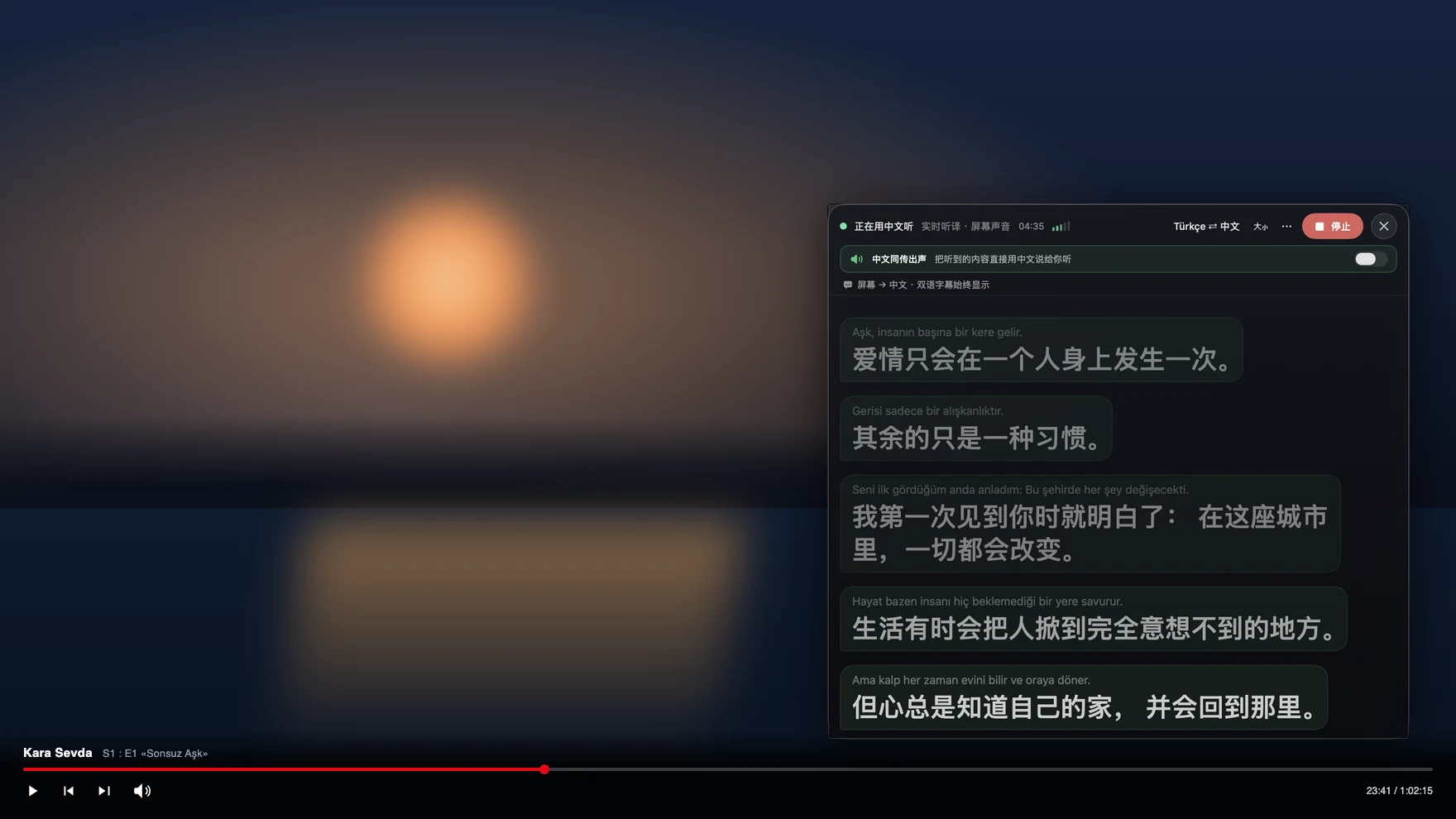
Why K-dramas beat auto-translated subtitles
Korean packs politeness levels, dropped subjects and rapid-fire banter into short sentences, and auto-translated subtitle tracks — which translate one line at a time with no memory of the last — turn that into nonsense. Tingdong translates a continuous stream of speech and keeps context across lines, so dialogue reads like dialogue. It also does not care where the video plays: Netflix, Viki, YouTube, Weverse or a local file all get the same floating subtitles, and a live broadcast with no subtitle track at all works just as well.
Frequently asked questions
Does it work on Korean shows with no subtitles at all?
Yes — that is the main reason people use it. It listens to the audio, not a subtitle track, so raw broadcasts, live streams and variety shows work the same as subtitled Netflix.
Can it translate a phone call with someone in Korea?
Yes. Hand the iPhone call to your Mac over Bluetooth and Tingdong interprets both ways: they hear a Korean voice alongside yours (Website version), you read their replies as English subtitles. Nothing to install on their side.
Does it handle Korean mixed with English?
Yes. Language is detected per phrase among 60+ inputs, so a meeting that drifts between Korean and English, or a guest switching to Japanese, just keeps working.
How much does an episode cost?
Subtitles are 1 credit per minute — a 70-minute episode is 70 credits. Every new Mac gets a free trial of about 100 minutes of subtitles; after that the monthly membership covers about 16 hours of viewing.
Try it on your next video, meeting or call
Download free for macOS Get it for Windows
Free trial: about 100 minutes of subtitles · No signup or card
Windows 11 (subtitles and Read aloud only, nothing sent into calls)