Real-time German translation on your Mac
Updated 2026-09-24
Press Start, play it, and the subtitles appear as it is spoken — original, translated or both. German reaches most English speakers in three places: a Tatort episode or an ARD documentary with no English subtitle track, a standup where half the team switches to German once the agenda is done, and the phone call to a landlord, insurer or Bürgeramt that decides your week. Run Tingdong on your Mac and it listens to whatever is playing, detects German by itself, and floats English captions over it while the sentence is still being spoken.
How to set it up
- 1Open Tingdong and choose “Live Listen”
Set the source to “Screen sound” so it hears the stream or the meeting, not the room. You never select German — it is detected.
- 2Press Start
Captions float over the player or the meeting window: the German line on top, English underneath, updating mid-sentence. You can have the translation read aloud instead.
- 3For a call, switch to “Call Translation”
Pick Tingdong Microphone (Website version) in the call app’s mic menu, or hand an iPhone call to the Mac over Bluetooth. You speak English, they hear German; their German comes back as English captions.
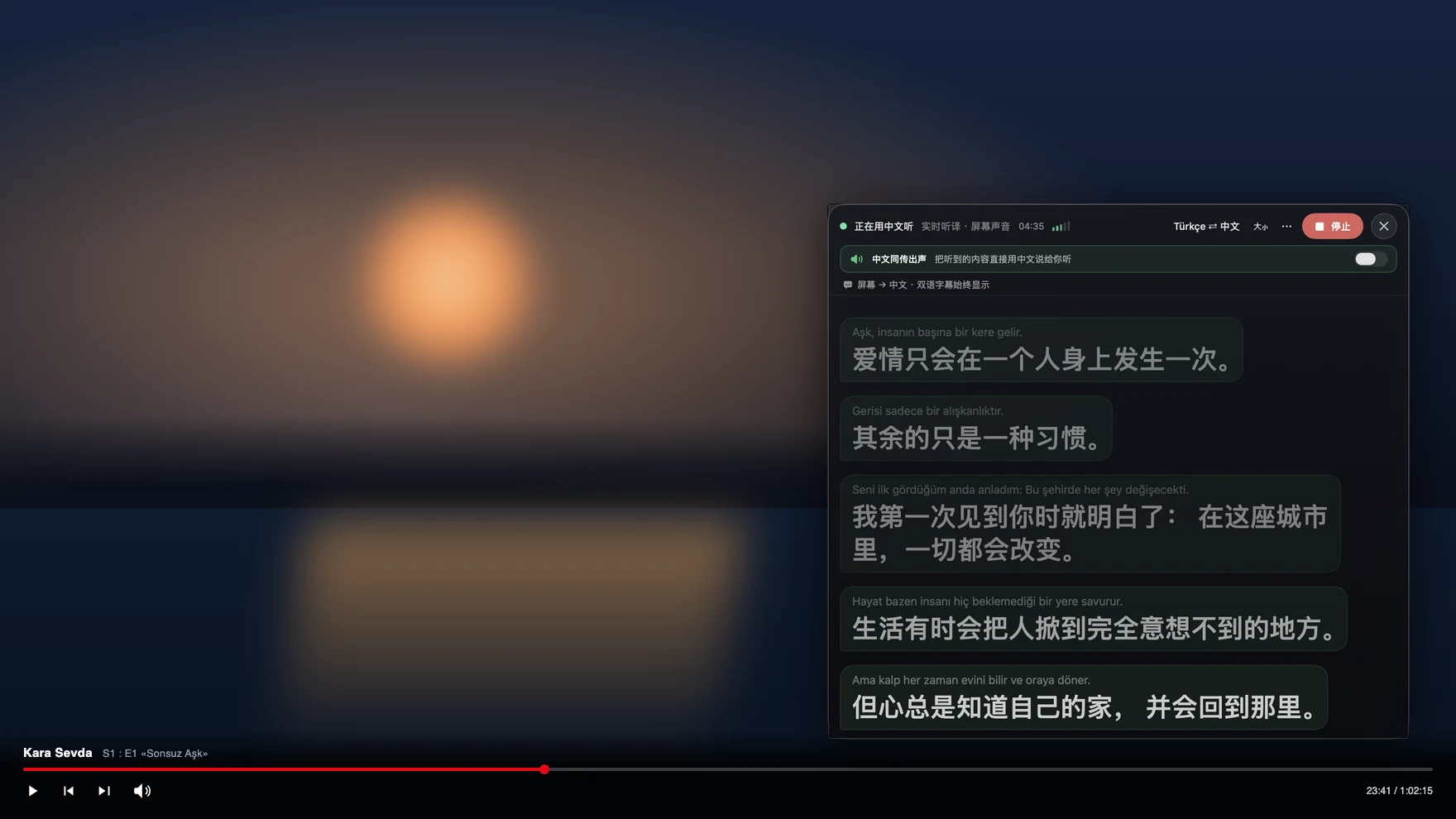
What German word order does to line-by-line captions
German parks the verb at the end of every subordinate clause and splits prefixes off to the far end of the sentence, so the meaning of a long clause is only settled by its last word — exactly what a subtitle translator working one finished line at a time cannot use. Tingdong translates a continuous stream of speech and keeps context across sentences, so a twenty-minute status update reads as prose rather than as a list of half-guesses. Compound nouns, Austrian and Swiss pronunciation, and the very common habit of dropping an English technical term into a German sentence are handled the same way: language is detected per phrase, not set once for the session. Because it works from audio, a DRM-protected stream is no obstacle — see translated subtitles for Netflix for why the picture is never touched.
Frequently asked questions
Does it work on ARD, ZDF and other German streams with no English subtitles?
Yes. Tingdong captions the audio your Mac plays, so any player or site works — public broadcaster media libraries, YouTube, Netflix, a local file in VLC — including live broadcasts that carry no subtitle track at all.
Can it caption a work meeting held in German?
Yes. Start Live Listen with “Screen sound” before the Zoom, Teams or Meet call and you read bilingual captions without joining anything. No bot appears in the participant list and your microphone is untouched, so nobody has to be told you are using it.
Can I call a German landlord or office with it?
Yes. Hand the iPhone call to your Mac over Bluetooth, or choose Tingdong Microphone (Website version) in a desktop calling app. They hear your voice plus a German translated voice, you read their replies as English captions, and they install nothing. Details on translating a phone call.
Will it cope with Swiss German or a strong Bavarian accent?
Broadcast and meeting speech translates well. Heavy dialect is hard for any machine translation, and Swiss German in particular is a different variety rather than an accent — the original German line always stays on screen above the translation so you can check what was actually said.
Do I have to tell it the audio is German?
No. German is auto-detected among 60+ input languages, per phrase, so a meeting that keeps sliding between German and English simply keeps working without you touching a setting.
Try it on your next video, meeting or callTry it at your next meeting or lecture
Download free for macOS Get it for Windows

Free trial: about 100 minutes of subtitles · No signup or card
Free trial · No account or card
Windows 11 (subtitles and Read aloud only, nothing sent into calls)