Real-time Vietnamese translation on your Mac
Updated 2026-09-24
Press Start, play it, and the subtitles appear as it is spoken — original, translated or both. Vietnamese usually matters at the two ends of life: family — grandparents, in-laws, a cousin’s wedding video that nobody will ever subtitle — and work, where a factory in Bình Dương or a development team in Hanoi sends voice messages instead of email. Tingdong runs on your Mac, listens to whatever is playing, detects Vietnamese automatically, and floats English captions over it while the sentence is still being spoken.
How to set it up
- 1Open Tingdong and choose “Live Listen”
Set the source to “Screen sound” so it captions the video or the call audio rather than the room. Vietnamese is detected, not selected.
- 2Press Start
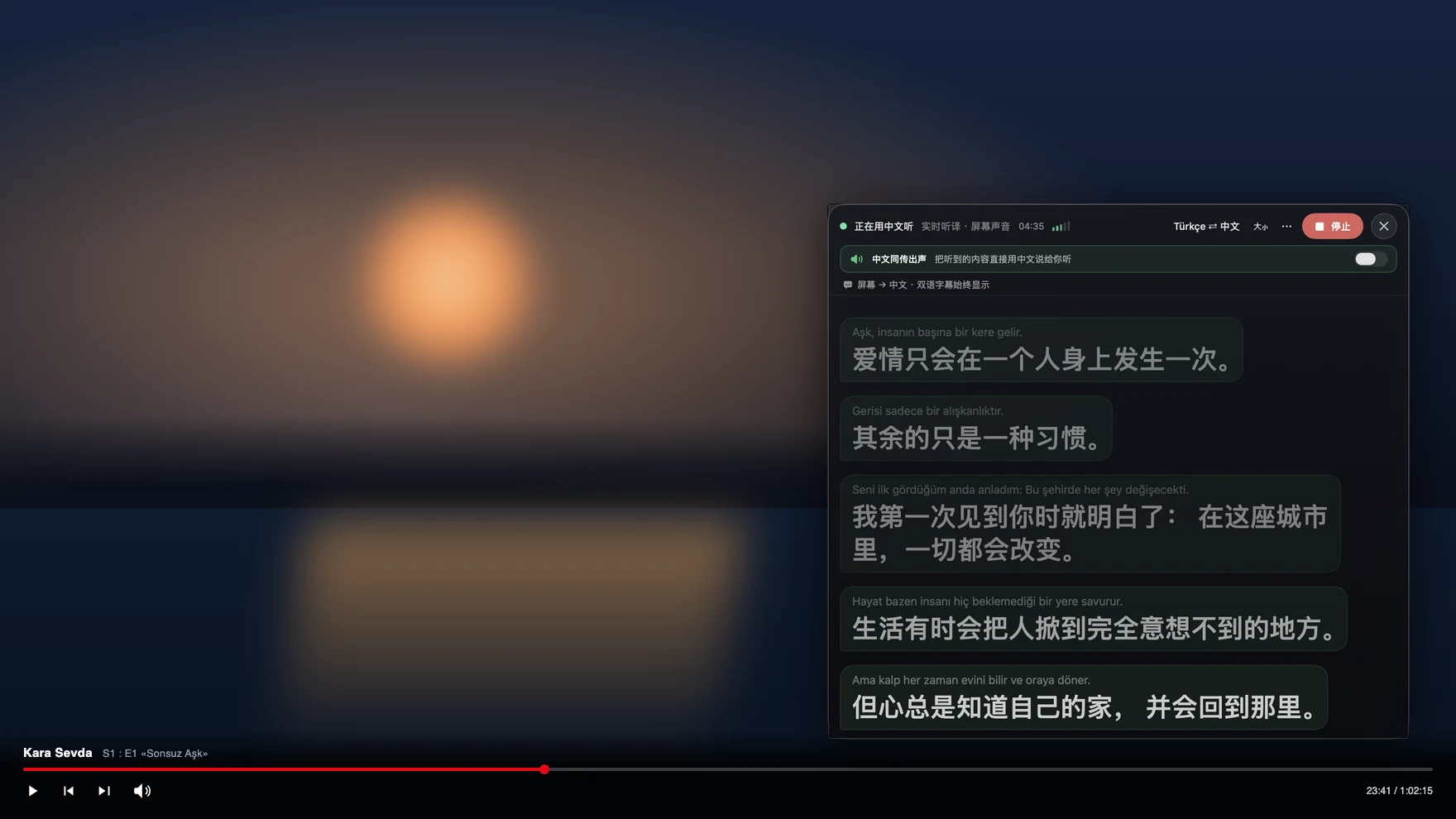
Captions float over the player or the call window: Vietnamese on top, English below, updating before the sentence ends. You can have the English read aloud instead.
- 3For a call, switch to “Call Translation”
Choose Tingdong Microphone (Website version) in the mic menu of FaceTime, Zoom, Telegram or Zalo for Mac, or hand an iPhone call to the Mac over Bluetooth. You speak English, they hear Vietnamese.
Tones, and a north–south split you will hear immediately
Vietnamese distinguishes words by tone, so the same syllable is several different words depending on pitch, and northern and southern speech differ enough in tone inventory and pronunciation that a system trained loosely on one can misread the other. On top of that, most of what an English speaker actually needs to understand — a voice message, a phone call, a wedding video — has no text version anywhere, so subtitle-based or browser-extension tools have nothing to attach to. Tingdong captions the audio itself and keeps context across sentences, which is what makes a long family call follow-able rather than a list of disconnected guesses. Language is detected per phrase among 60+ inputs, so relatives who switch between Vietnamese and English in the same sentence do not break the captions.
Frequently asked questions
Can it caption Vietnamese voice messages?
Yes. Play the message in Zalo, Telegram, Messenger or WhatsApp on the Mac with Live Listen running and the captions appear as it plays. Voice messages have no subtitles of any kind, so there is nothing else to translate from.
Does it handle both northern and southern Vietnamese?
Both are detected as Vietnamese automatically. Clear speech translates most reliably; heavy regional pronunciation is harder for any machine translation, and the original line stays above the translation so you can check.
Can I call family in Vietnam?
Yes. Hand the iPhone call to your Mac over Bluetooth and both directions are interpreted (Website version): they hear your voice plus a Vietnamese translated voice, you read English captions of their replies, and they install nothing and change no settings.
What about a Zalo or Messenger call?
Use the Mac version of the app and select Tingdong Microphone (Website version) as its microphone — one menu choice, the same route as Zoom. A call placed on the phone has to be handed to the Mac over Bluetooth first.
Do I have to select Vietnamese first?
No. It is auto-detected among 60+ input languages, per phrase, so a call where the younger relatives speak English and the older ones do not is captioned without a switch.
Try it on your next video, meeting or callTry it at your next meeting or lecture
Download free for macOS Get it for Windows

Free trial: about 100 minutes of subtitles · No signup or card
Free trial · No account or card
Windows 11 (subtitles and Read aloud only, nothing sent into calls)