Real-time Polish translation on your Mac
Updated 2026-09-24
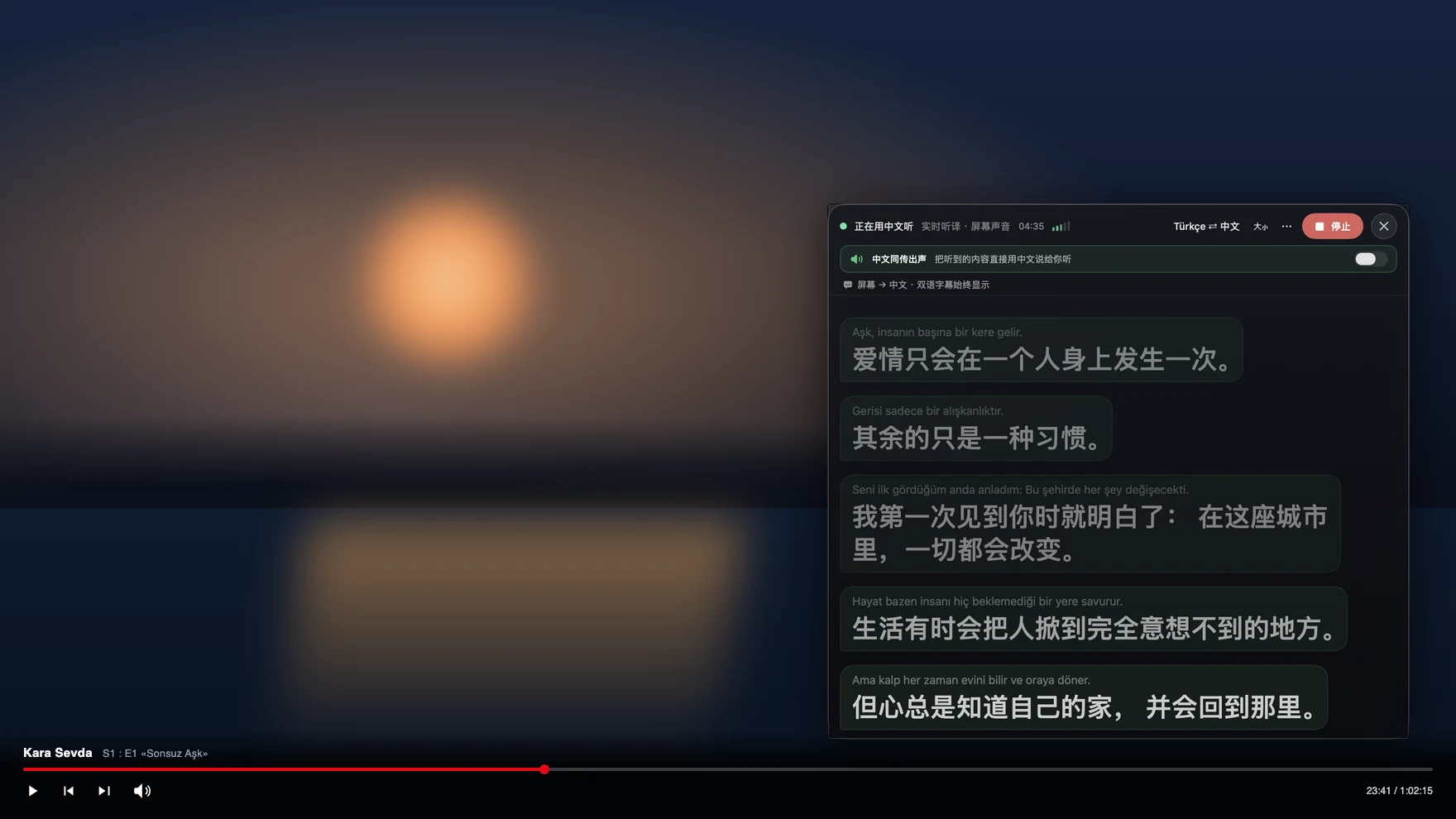
Press Start, play it, and the subtitles appear as it is spoken — original, translated or both. Polish tends to arrive at work first — a development team in Kraków or Wrocław that switches to Polish the moment the English part of the standup is over — and then everywhere else: a partner’s parents who speak no English, a school or a clinic on the phone, a Polish film with no subtitle track. Tingdong listens to whatever your Mac plays, detects Polish automatically, and floats English captions over it while the sentence is still being spoken.
How to set it up
- 1Open Tingdong and choose “Live Listen”
Set the source to “Screen sound” so it captions the meeting or the video rather than the room. You do not pick Polish — it is detected.
- 2Press Start
Captions float over the Zoom, Teams or player window: the Polish line on top, English below, updating mid-sentence. The English can be read aloud to you instead.
- 3For a call, switch to “Call Translation”
Choose Tingdong Microphone (Website version) in the mic menu of Zoom, FaceTime, WhatsApp for Mac or Discord, or hand an iPhone call to the Mac over Bluetooth. You speak English, they hear Polish.
Seven cases, and the point of the sentence arrives late
Polish carries grammatical relations in endings rather than in word order, which frees speakers to put the emphasised word wherever they like and forces a translator to wait for endings that come late in the clause. Consonant clusters make the boundaries between words hard to hear for a learner, and formal address through pan and pani changes the shape of the verb, so a translation that ignores register sounds wrong even when the words are right. A tool that translates one finished line at a time has none of that context. Tingdong works on a continuous stream and keeps context across sentences, so a technical discussion stays coherent. Detection is per phrase among 60+ inputs, which is what a Polish standup full of English engineering terms needs.
Frequently asked questions
Can I follow a work meeting held in Polish?
Yes. Start Live Listen with “Screen sound” before the Zoom, Teams or Meet call and read bilingual captions as it runs. No bot joins the meeting, your microphone stays free, and nothing appears in the participant list.
Does it work on Polish films and YouTube with no English subtitles?
Yes. Captions come from the audio your Mac plays, so any player or site works, including live broadcasts with no subtitle track. Protected players are fine because the picture is never captured.
Can I call a school, a clinic or in-laws in Poland?
Yes. Hand the iPhone call to your Mac over Bluetooth, or choose Tingdong Microphone (Website version) in a desktop calling app. They hear your voice plus a Polish translated voice and install nothing, while you read their replies as English captions.
Will it handle a Polish meeting full of English technical words?
Yes. The language is detected per phrase rather than fixed for the session, so a sentence that is Polish grammar wrapped around English terms is captioned without switching anything.
How is this different from the captions built into my meeting app?
Those caption the meeting they belong to, in the languages that account offers, and they do not exist for your films, voice messages or phone calls. This one works on any sound your Mac plays, and it also speaks your side of a call in Polish.
Try it on your next video, meeting or callTry it at your next meeting or lecture
Download free for macOS Get it for Windows

Free trial: about 100 minutes of subtitles · No signup or card
Free trial · No account or card
Windows 11 (subtitles and Read aloud only, nothing sent into calls)