Real-time Portuguese translation on your Mac
Updated 2026-09-24
Press Start, play it, and the subtitles appear as it is spoken — original, translated or both. Portuguese usually arrives from two directions at once: Brazil — a novela, a Twitch streamer, a remote team in São Paulo, your partner’s family on a video call — and Portugal, where a residency appointment, a landlord or a school office decides how your month goes. Tingdong runs on your Mac, listens to whatever is playing, detects Portuguese by itself, and floats English captions over it while the sentence is still being spoken.
How to set it up
- 1Open Tingdong and choose “Live Listen”
Set the source to “Screen sound” so it hears the stream or the meeting rather than the room. You do not pick Portuguese — it is detected.
- 2Press Start
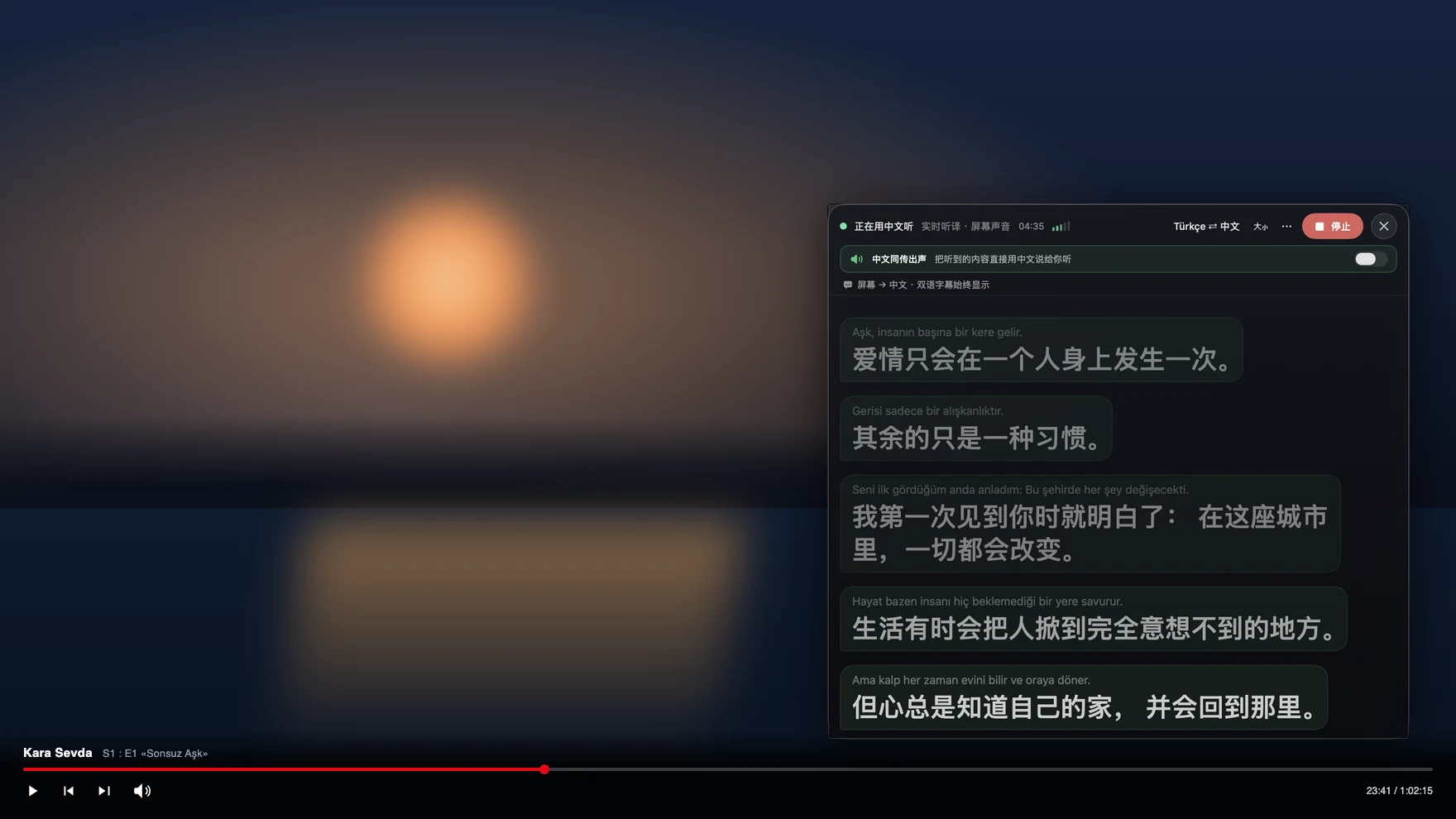
Captions float over the player or the call window: the Portuguese line on top, English below, updating mid-sentence. The translation can be read aloud to you instead.
- 3For a call, switch to “Call Translation”
Choose Tingdong Microphone (Website version) in the mic menu of FaceTime, Zoom, WhatsApp for Mac or Telegram, or hand an iPhone call to the Mac over Bluetooth. You speak English, they hear Portuguese.
Two Portuguese varieties, one detector
Brazilian and European Portuguese are written almost alike and heard completely differently: European speakers swallow unstressed vowels until whole syllables disappear, while Brazilian speech keeps the vowels but moves fast and leans on slang that changes by region. A caption tool that is pinned to one variety, or that translates one finished line at a time, produces confident nonsense on the other. Tingdong detects the language per phrase among 60+ inputs and translates a continuous stream while keeping context across sentences, so a family video call that jumps between Lisbon relatives, Brazilian cousins and an English-speaking child keeps working without a setting change. The original line stays above the translation, which matters when a word is regional and you want to hear it again.
Frequently asked questions
Does it work on novelas and Brazilian streams without English subtitles?
Yes. It captions the audio your Mac plays, so Globoplay, Netflix, YouTube, Twitch and local files all work — including live streams that carry no subtitle track at all, which is where subtitle-based tools have nothing to work with.
Can it handle both Brazilian and European Portuguese?
Yes. Both are detected as Portuguese automatically, per phrase, so you do not choose a variety. Heavy regional speech is harder for any machine translation, and the original line is always on screen for you to check.
Can I call family or an office in Brazil or Portugal?
Yes. Hand the iPhone call to your Mac over Bluetooth, or choose Tingdong Microphone (Website version) in a desktop calling app. They hear your voice plus a Portuguese translated voice and install nothing; you read their replies as English captions.
What about a WhatsApp call with relatives?
Use WhatsApp on the Mac and select Tingdong Microphone (Website version) as its microphone — that one menu choice is the whole setup, and it is the same route used for Zoom meetings. A call placed on the phone itself has to be handed to the Mac over Bluetooth first.
Do I have to set the language before a meeting?
No. Portuguese is auto-detected among 60+ input languages, so a standup that switches between Portuguese and English mid-sentence is captioned without you touching anything.
Try it on your next video, meeting or callTry it at your next meeting or lecture
Download free for macOS Get it for Windows

Free trial: about 100 minutes of subtitles · No signup or card
Free trial · No account or card
Windows 11 (subtitles and Read aloud only, nothing sent into calls)